Learning communication
Keep learners informed with announcements and in-portal notices alongside course delivery—so important updates are not buried in personal email threads.
- Announcements for cohorts
- In-portal notices
- Course-aligned updates
- Less reliance on side channels
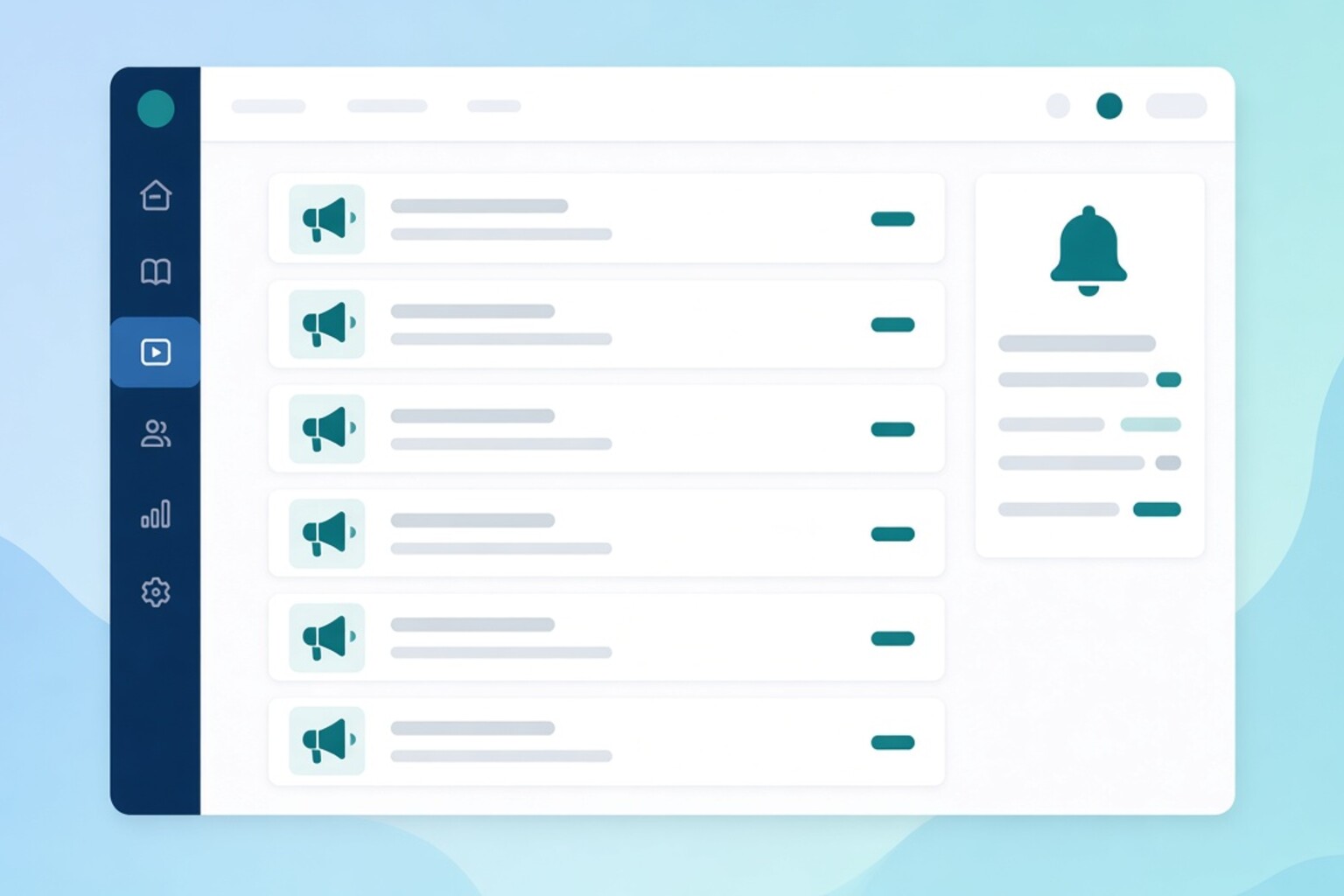
Communicate inside the learning journey
Operational updates belong next to courses and schedules—not only in disconnected chat tools.
Announcements
Broadcast schedule changes, reminders, and program updates to the right learners.
Portal notices
Surface important messages where learners already study and check progress.
Course context
Keep communication connected to academic delivery instead of scattering updates across tools.
Staff-controlled messaging
Let authorized staff publish updates without giving every role full admin access.
More Next LMS features
Course builder
Whether self-paced or instructor-led, build courses that keep learners on track—from outline to assessments, all in one place. Draft, preview, and publish when your program is ready.
play_lessonContinue Learning
Give learners a focused place to study—course outline, content viewers, and clear next steps—without the noise of admin tools or unrelated portals.
video_chatLive classes
Blend scheduled live sessions with self-paced lessons in one course. Learners join from the same portal they already use for videos and assignments.
assignmentAssignments & exams
Place assignments and exams where they belong in the learning path—timed tests, submissions, and due dates without sending learners to a separate system.
lock_openUnlock rules
Decide when learners can open content—and when it counts as finished. Build structured paths without micromanaging every click.
group_addEnrollment
Get the right learners into the right courses—manually, via marketplace purchase, or after registration—then track progress per enrollment automatically.
desktop_windowsCandidate portal
Give every enrolled learner a branded portal for courses, live classes, assignments, exams, progress, certificates, and payments—without exposing admin tools.
sellMarketplace & coupons
Sell courses from your catalog with clear pricing, then let learners apply discount coupons at checkout—while enrollment still lands in the same LMS experience.
workspace_premiumCertificates
Issue certificates when learners complete courses—then let them download and share credentials from the candidate portal.
paletteBranding
Present Next LMS under your institute identity—logo, name, and colors on the candidate portal and login so learners trust they are in the right place.
admin_panel_settingsRoles & permissions
Control which staff can manage courses, exams, live classes, enrollments, and marketplace operations—so access stays least-privilege and auditable.
how_to_regRegistration handoff
Move learners from registration or admissions into course enrollment without rebuilding lists—so batches start in Next LMS with the right access.
analyticsProgress & reports
See lesson completion, exam attempts, and cohort progress so coordinators can intervene before learners fall behind—not after results arrive too late.
See Communication in a live demo
We will show this for your institute—coaching, school, university, or corporate training.
Request a demo