Upload & QC
Scanned scripts enter OSM and pass quality control.
Digital On-Screen Marking
Digitize evaluation with secure script allocation, on-screen marking, QC, moderation, reviewer workflows, and result-ready evaluation.
At a glance
Evaluation with control at every step
Scanned scripts enter OSM and pass quality control.
Allocation, marking, review, and moderation in one place.
An audit trail from script to published result.
Moving paper and tracking evaluators manually creates delay and risk.
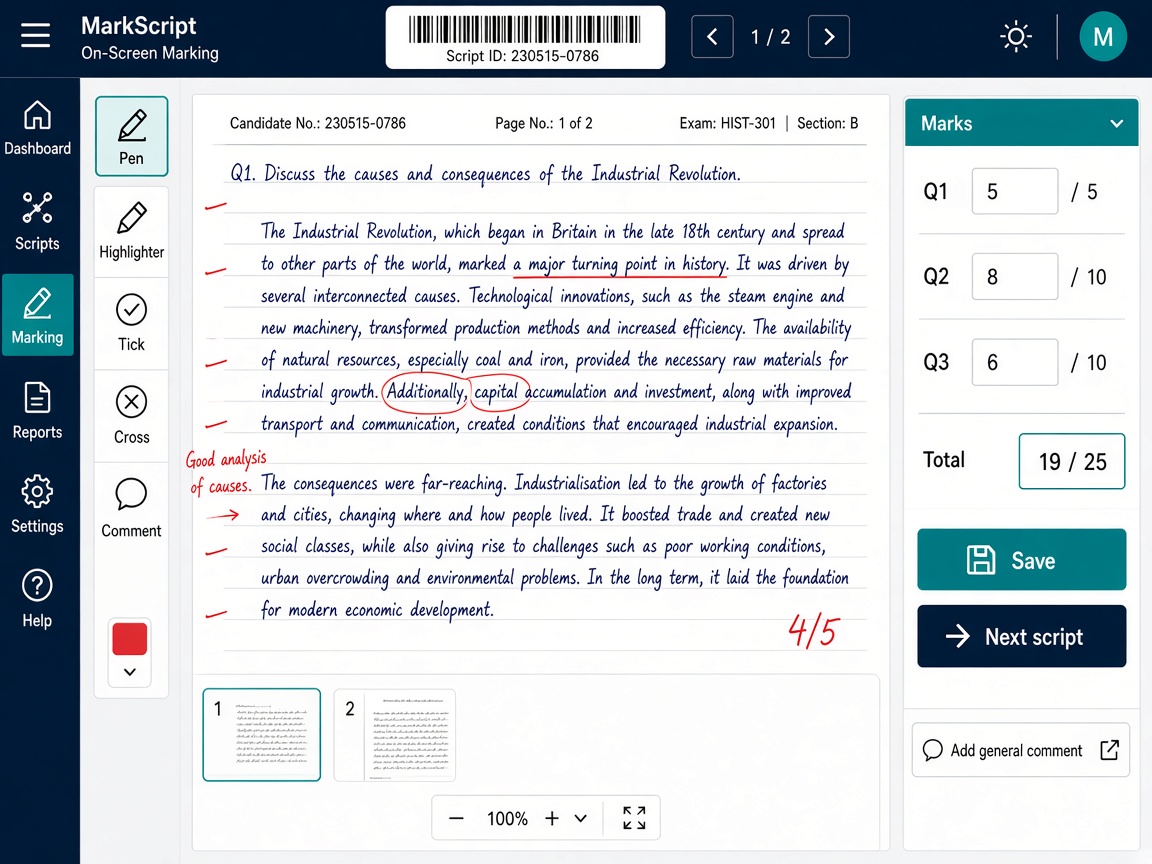
Scanned answer books enter Next OSM, pass QC, and are allocated, marked, reviewed, and finalized on screen.
Physical scanning is handled in Next Scanning. Quality control happens in Next OSM, after upload.
Stage 1 of 6
Scanned answer books are uploaded into OSM.
Stage 2 of 6
OSM QC approves scripts as fit for evaluation.
Stage 3 of 6
Scripts are assigned to evaluators with controls.
Stage 4 of 6
Evaluators mark on screen under marking rules.
Stage 5 of 6
Reviewers and moderators check marking.
Stage 6 of 6
Reconcile marks and release result-ready evaluation.
Semester script evaluation at scale.
Seasonal volume with auditability.
Mark and review without handling paper.
Track progress, productivity, and payments.
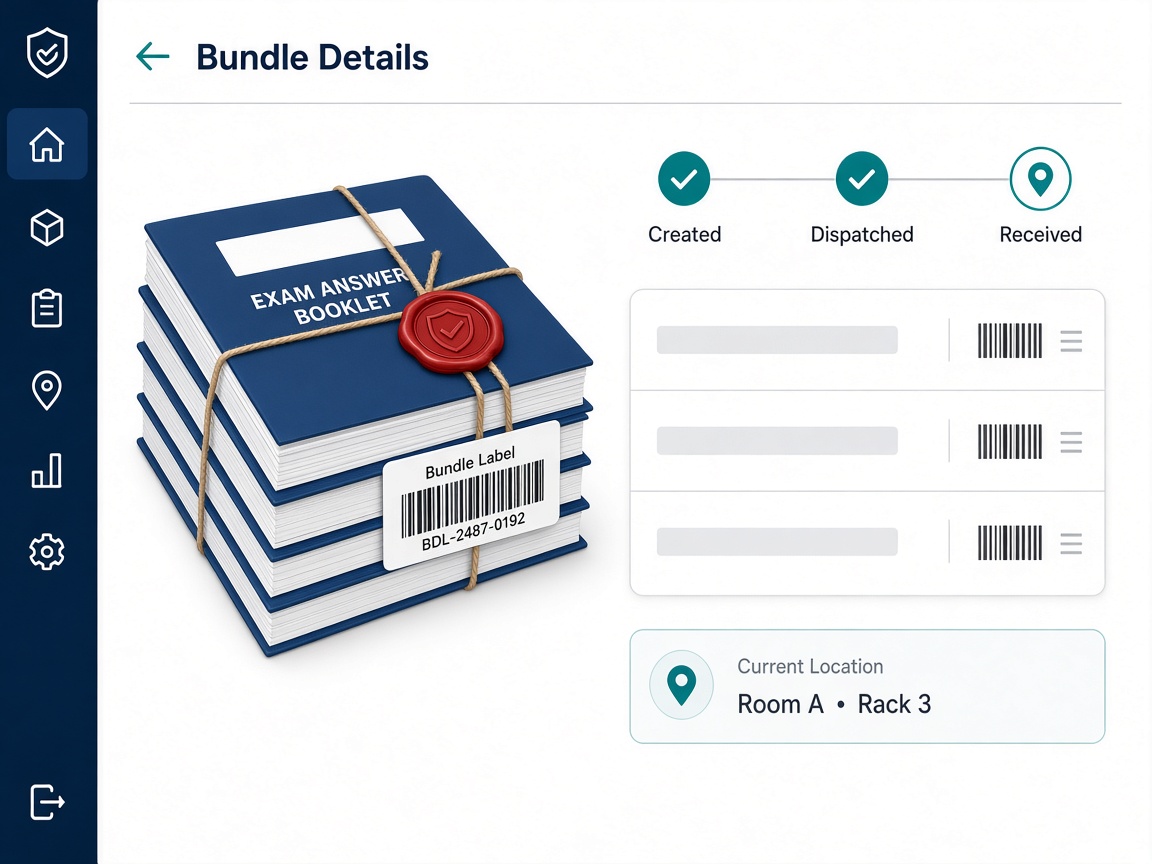
End-to-end physical answer book scanning—export ready for OSM upload.
Explore Scanning arrow_forward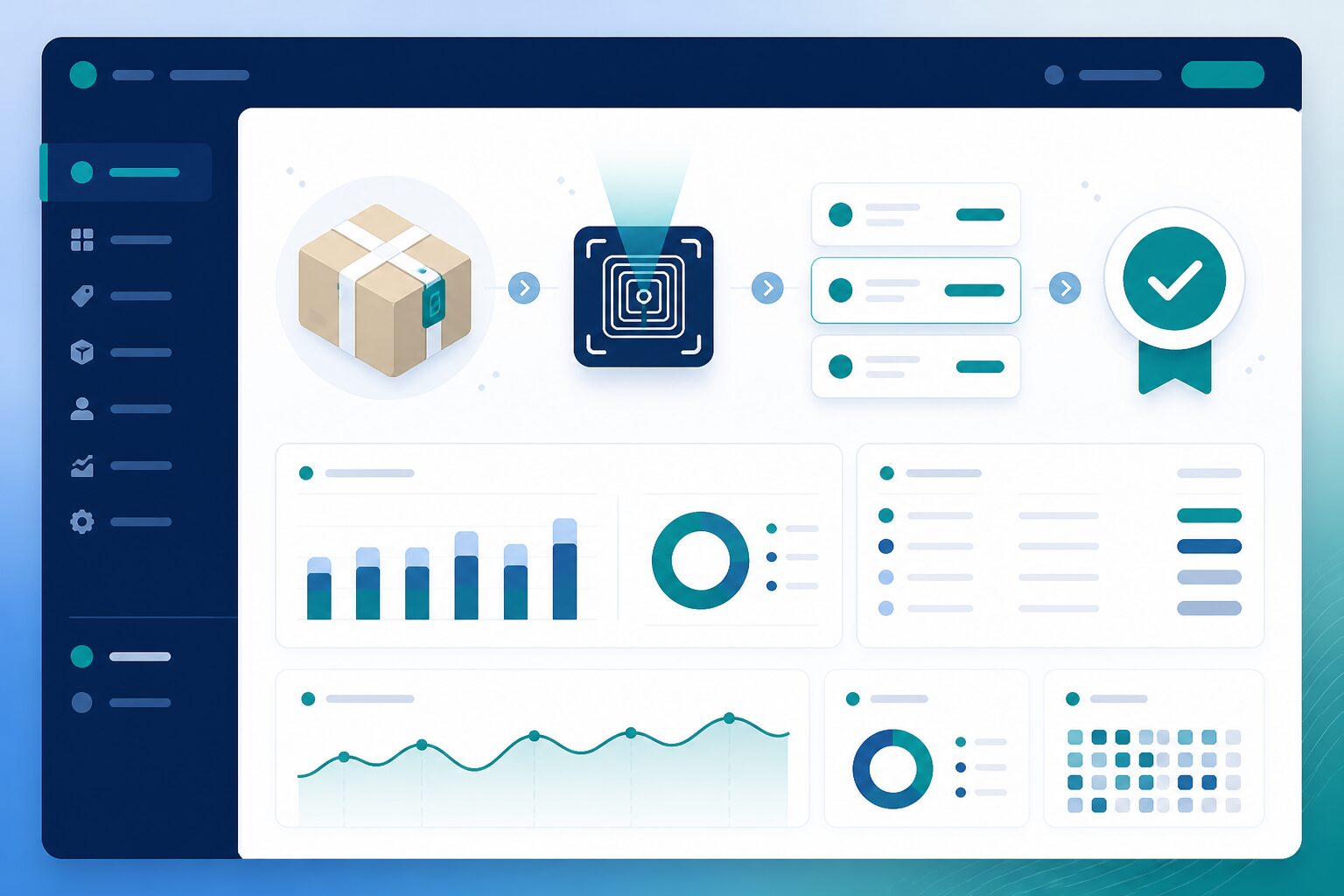
Mark scanned answer sheets on screen—from packet to published results.
Explore OSM arrow_forwardAllocation, marking, review, and moderation workflows.
Evaluator payment calculation from marking activity.
Evaluator productivity and progress reports.
Automation reduces manual coordination; AI supports—not replaces—evaluators.
Distribute scripts to evaluators under defined rules.
Assist with reading and extracting from scripts.
Help coordinators monitor progress and exceptions.
Evaluators work from a secure screen.
Allocation and marking are tracked in real time.
QC, review, and moderation built in.
A clear record of who marked what and when.
Connected with the Next Learner ecosystem
Next Learner doesn't solve one education workflow. It connects them all.
See script allocation, on-screen marking, QC, and review working together.