Platform · Security, Trust & Governance
Secure by Architecture. Governed by Design.
Protect institutional data, control access and maintain complete accountability across users, campuses, examinations and evaluation workflows.
Every examination action is attributable
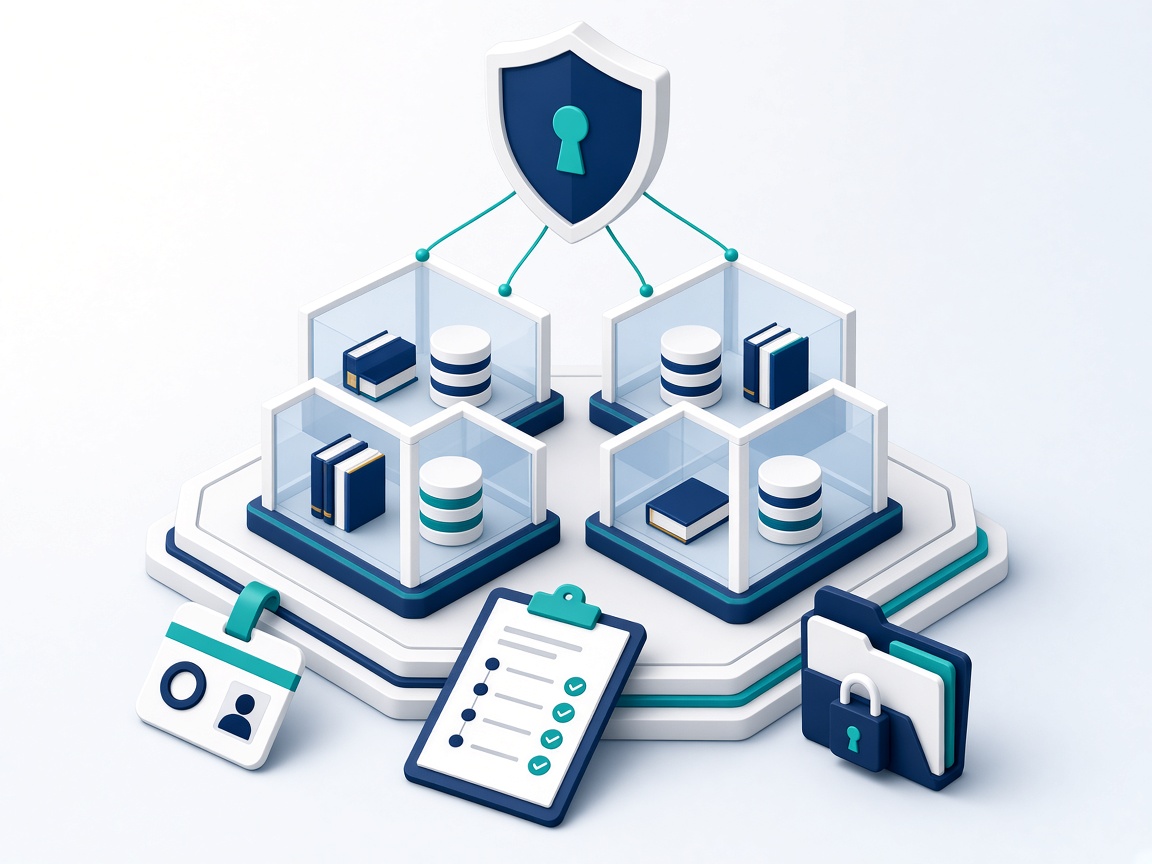
Five pillars of control and accountability
Choose a pillar to see what it covers. Together they let an institution answer: who can see what, who did what, and what was approved.
Tenant Isolation
Each institution operates in its own tenant context. Data and configuration belong to one institution and are not shared across tenants.
- Institution-level data separation
- Campus / organisation boundaries
- Configurable institutional environments
- Tenant context validated in every service layer
Identity & Access
People get the access their role needs—and no more. Permissions are enforced on the server, not only hidden in the interface.
- Role-based access
- Permission-based controls
- Administrative hierarchy
- User and evaluator access scoped to assignments
Auditability
Critical actions leave a record, so staff and leadership can reconstruct what happened, when and by whom.
- Activity logs
- Workflow history
- Status changes
- Evaluation actions
- Administrative actions
Examination Governance
High-stakes workflows are controlled end to end: assignments, quality checks, moderation and finalisation follow defined steps.
- Controlled workflows
- Evaluator assignment
- QC and moderation
- Result finalisation
- Exception tracking
Data Governance
The institution owns its data. Access is controlled, handling is deliberate, and retention is agreed with your team.
- Institutional ownership
- Controlled data access
- Retention practices agreed with your team
- Secure data handling
Every institution in its own boundary
Select an institution. Its campuses sit inside its own boundary; every other institution stays out of reach.
A multi-branch coaching group
Branches run their own batches while the head office sees consolidated results—without access to any other institution.
- Branch-level roles
- Consolidated group reporting
- Group-wide standards, local control
A university with faculties and an exam cell
Faculties manage their programmes; the examination cell controls evaluation workflows and result finalisation.
- Faculty-scoped administrators
- Exam-cell controlled evaluation
- Separate student & evaluator access
An assessment authority with regional centres
Regional teams handle scanning and evaluation under central policy, with every step attributable.
- Centre-level operational roles
- Evaluators limited to assigned scripts
- Central visibility & exception tracking
The right access for every role
Least privilege by default: each role can do what its job requires, and nothing beyond it. Example roles shown.
Institution administrator
Can
- Manage users, roles and permissions
- Configure modules, branding and settings
- See institution-wide reports
Limited to
- Their own institution only
- Modules included in the institution's plan
Campus administrator
Can
- Run day-to-day operations for a campus
- Manage campus staff and batches
- See campus-level reports
Limited to
- Their campus or organisation unit
- Roles granted by the institution administrator
Evaluator
Can
- Open scripts allocated to them
- Mark and submit within the workflow
- View their own progress
Limited to
- Assigned scripts only
- Marking actions that are recorded
- No access to unrelated data
Learner
Can
- Access their courses, exams and results
- Manage their own profile
- Use the institution's branded portal
Limited to
- Their own records
- Content they are enrolled in
Every consequential action leaves a trail
Watch an illustrative stream of what gets recorded as an examination moves from allocation to finalisation.
-
Activity logs
Who did what, and when—across administration and examination workflows.
-
Workflow history
Each status transition is recorded, so an outcome can be traced back step by step.
-
Evaluation actions
Marking, QC and moderation actions are attributable to a person and a time.
-
Administrative actions
Changes to roles, settings and assignments can be reviewed by authorised staff.
-
09:02 Admin
Examination scheduled for the semester cohort
Exam administrator
-
09:41 Allocation
Scripts allocated to evaluator group B
Exam cell coordinator
-
10:15 Status
Script batch moved from "Allocated" to "In marking"
System · workflow engine
-
11:28 Evaluation
Marks submitted for script 0142
Evaluator
-
12:05 QC
Quality check sampled and approved
QC reviewer
-
12:40 Exception
Discrepancy flagged and routed for moderation
Moderator
A controlled path from allocation to final result
High-stakes workflows follow defined steps—with the right person responsible at each one.
Stage 1 of 5
Assign evaluators deliberately
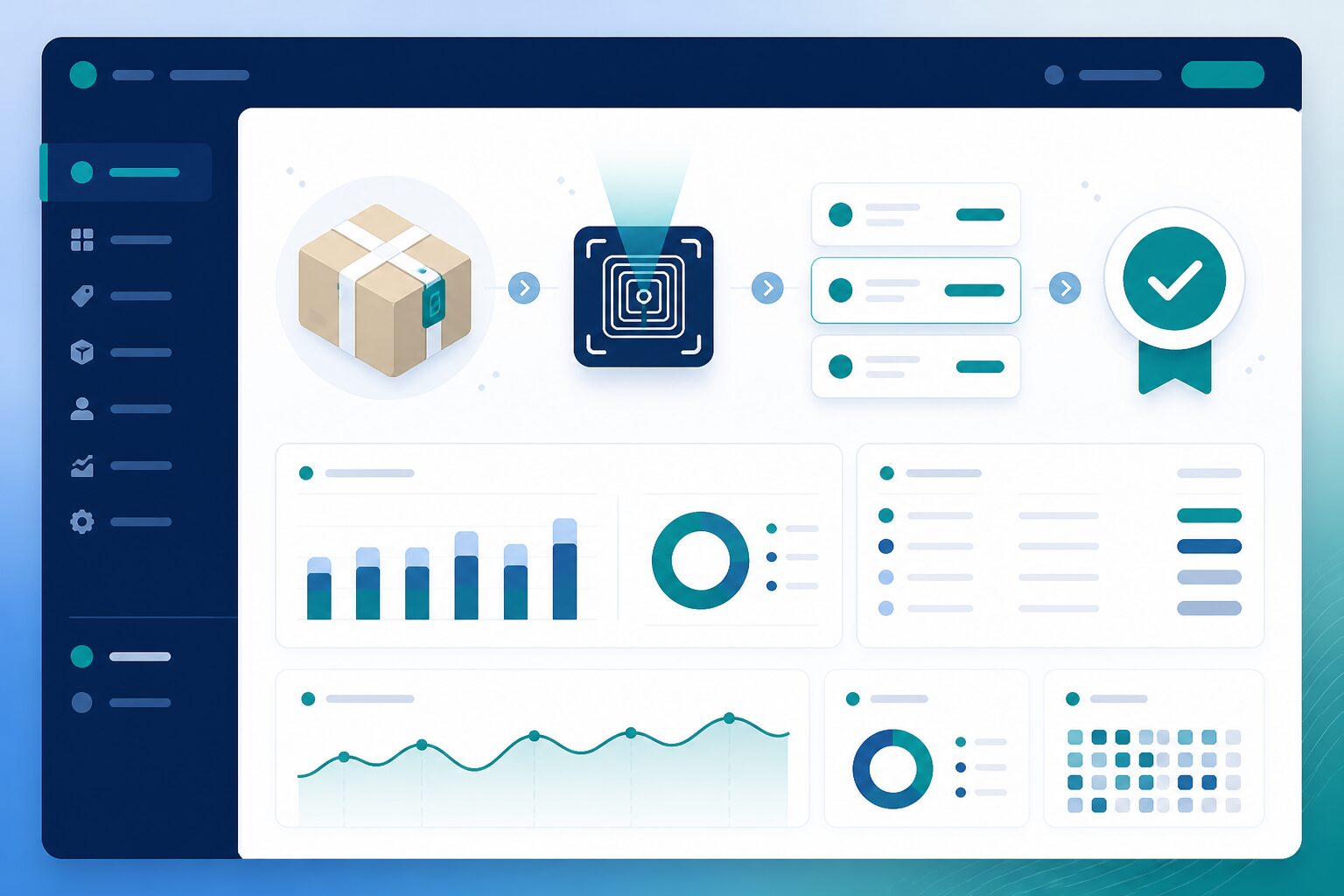
Scripts are allocated to evaluators by rule, so work is distributed and traceable.
- Allocation rules
- Evaluator groups & pipelines
- Workload visibility
Control point: Only assigned evaluators can open assigned scripts.
Stage 2 of 5
Mark inside the workflow
Marking happens on screen within the allocation, with each action attributed.
- On-screen marking
- Marking schemes
- Attributed actions
Control point: Marks are tied to a named evaluator and time.
Stage 3 of 5
Check quality before marks move on
Quality control reviews marked scripts and sends exceptions back or forward for resolution.
- QC review
- Exception routing
- Rework requests
Control point: Exceptions are tracked rather than lost.
Stage 4 of 5
Moderate for consistency
Moderators reconcile differences so marking standards stay consistent across evaluators.
- Moderation workflows
- Recorded reasons
- Consistency reports
Control point: Moderation decisions are recorded.
Stage 5 of 5
Finalise and lock the result
Authorised staff finalise marks so published results match what was approved.
- Result finalisation
- Controlled publish policies
- Published result history
Control point: Only authorised roles can finalise.
Verify it for your institution
We would rather show you than slogan you. Ask our team for an architecture overview and walk through the access model, audit coverage and data-handling approach against your own security questionnaire.
Request security documentation arrow_forward- Architecture & tenant-isolation overview
- Role and permission model for your setup
- Audit-log coverage by workflow
- Data handling, retention and deployment options
How Next Learner works
Connected Ecosystem
How everything works together—from admissions to student success.
Explore arrow_forwardAssessment & Evaluation
How every assessment model moves from creation to results.
Explore arrow_forwardSecurity, Trust & Governance
How institutions maintain control, security and accountability.
Explore arrow_forwardAI Architecture
How AI, intelligence and agents operate within the platform.
Explore arrow_forwardDeployment & Integrations
How Next Learner fits into your technology environment.
Explore arrow_forwardGovern your examinations with confidence
See how access, accountability and control work in a live walkthrough tailored to your institution.