The LMS for courses, live classes, exams & progress—built for your institution.

Centralize courses, live classes, exams, assignments, and learner progress in one LMS built for coaching institutes, schools, universities, and corporate training.

Coaching institutes Schools Colleges Universities Corporate training

How institutes go live

Five steps from setup to learners studying in your portal

  1. 1 Discover

    Share programs, learner volume, and which modules you need.

  2. 2 Brand & access

    Set your logo, colors, roles, and who can manage courses.

  3. 3 Build courses

    Create outlines, add content, live classes, assignments, and exams.

  4. 4 Enroll learners

    Assign batches, sell on the marketplace, or enroll from registration.

  5. 5 Teach & track

    Learners study in the portal; you monitor progress and step in early.

Problems we solve for educators

Real operational pain—and how Next LMS addresses each one.

folder_off

Scattered content & inconsistent delivery

Solution

Build structured courses with outlines, modules, and a shared content library. Publish when ready, enroll batches, and deliver the same quality across every section.

schedule

Teachers buried in admin work

Solution

Automate enrollment tracking, assignment due dates, exam linkage, and progress rollups so faculty spend less time on spreadsheets and more time teaching.

route

Learners lose track of what's next

Solution

Unlock rules, completion criteria, and a focused Continue Learning experience guide learners lesson-by-lesson—with clear progress on every course.

video_call

Live classes disconnected from courses

Solution

Schedule live classes inside the course outline alongside videos, documents, and quizzes—one timeline, one portal for async and live learning.

monitoring

No visibility until results are too late

Solution

Track lesson completion, exam attempts, and course progress from admin dashboards. Spot drop-off early and intervene before learners fall behind.

Everything you need, step by step

Fourteen parts of Next LMS—from building courses to enrolled learners studying in your branded portal.

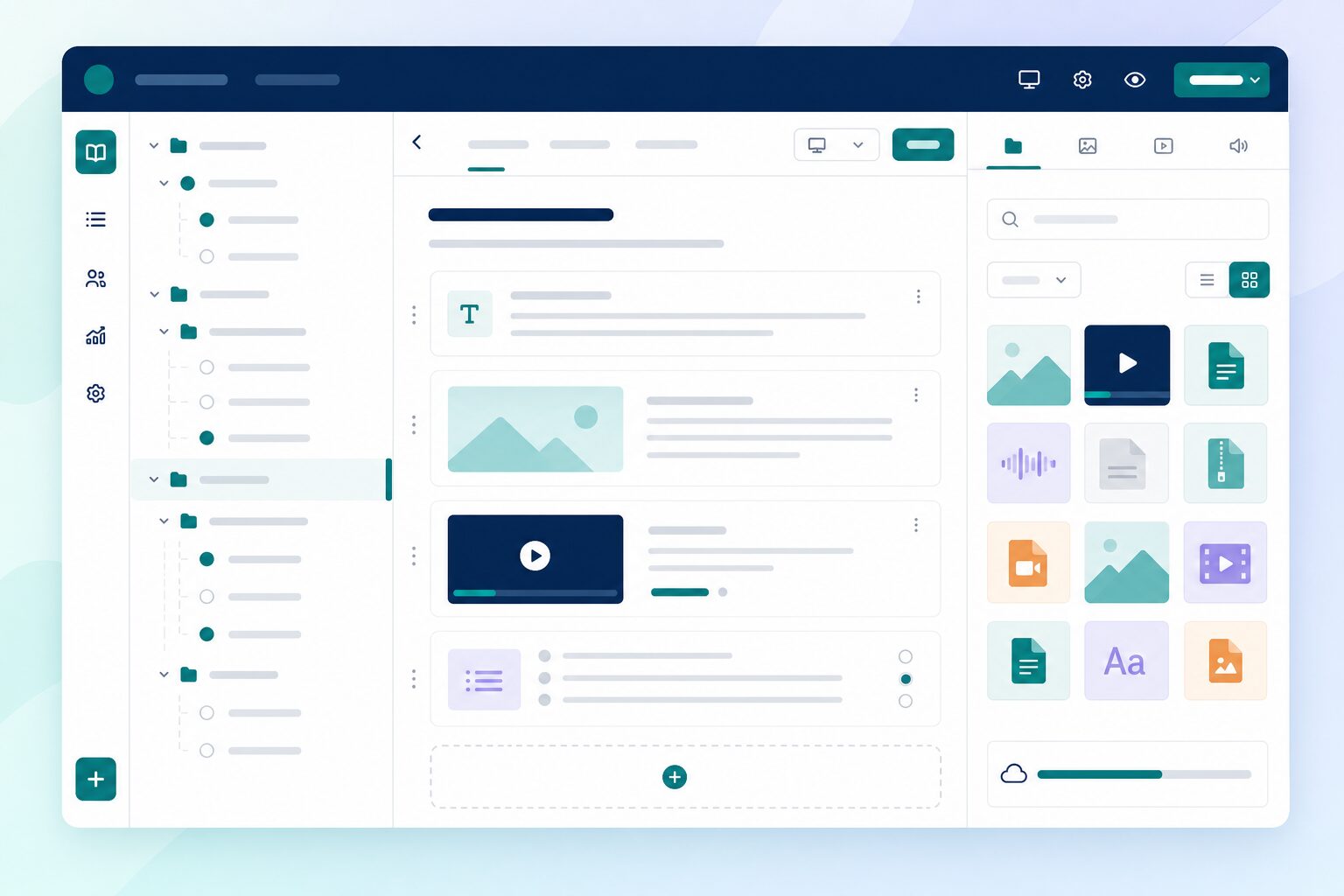
Course outline and lesson editor
library_books

Course builder & content library

Whether self-paced or instructor-led, build courses that keep learners on track—from outline to assessments, all in one place. Draft, preview, and publish when your program is ready.

  • Sections and ordered lessons
  • Videos, documents, quizzes, assignments & live classes
  • Shared content library
  • Draft → publish workflow
Learn more arrow_forward
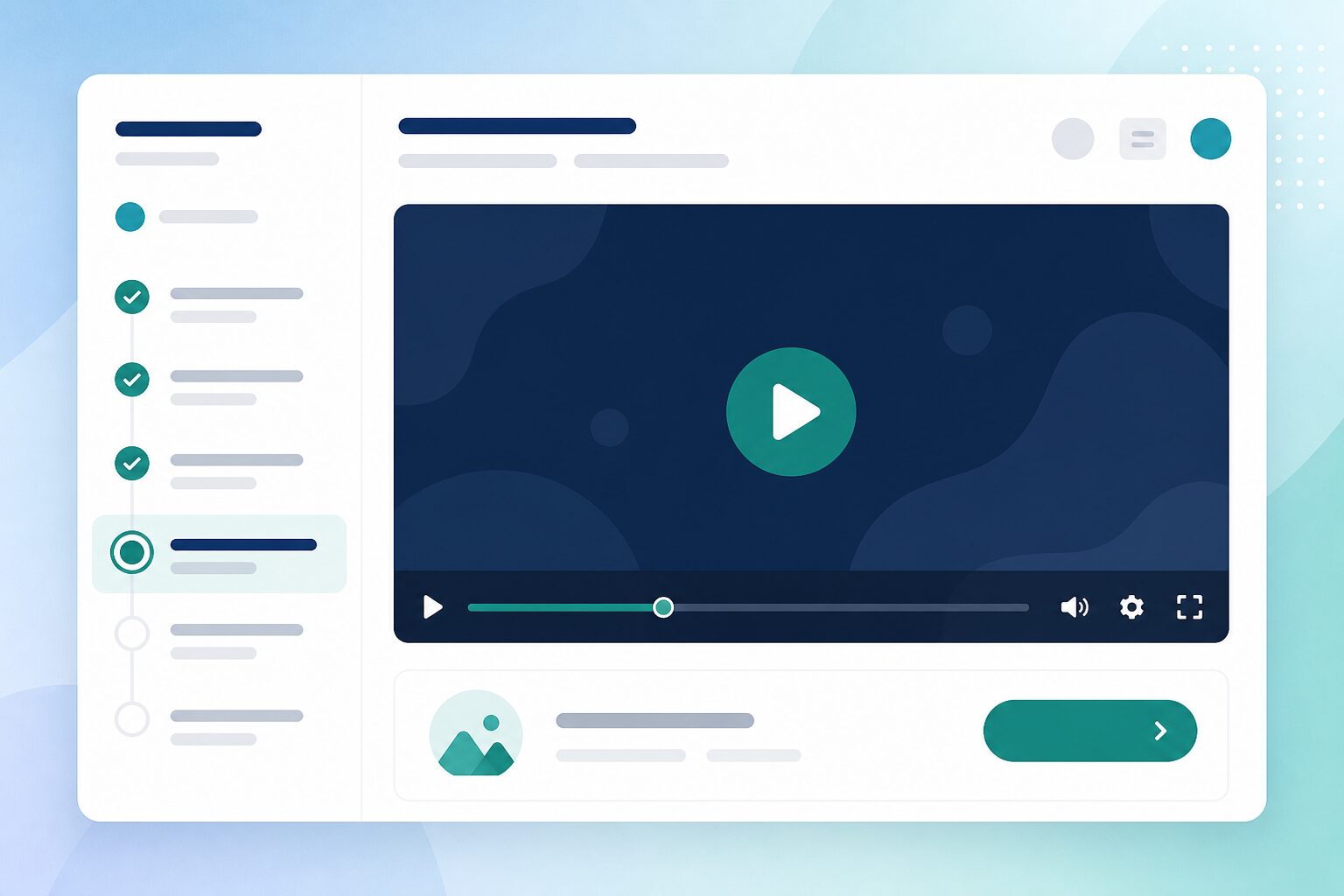
Learner continue-learning screen
play_lesson

Continue Learning experience

Give learners a focused place to study—course outline, content viewers, and clear next steps—without the noise of admin tools or unrelated portals.

  • Lesson view with outline sidebar
  • Overview with progress at a glance
  • Unlock-aware content access
  • Mark complete & up-next guidance
Learn more arrow_forward
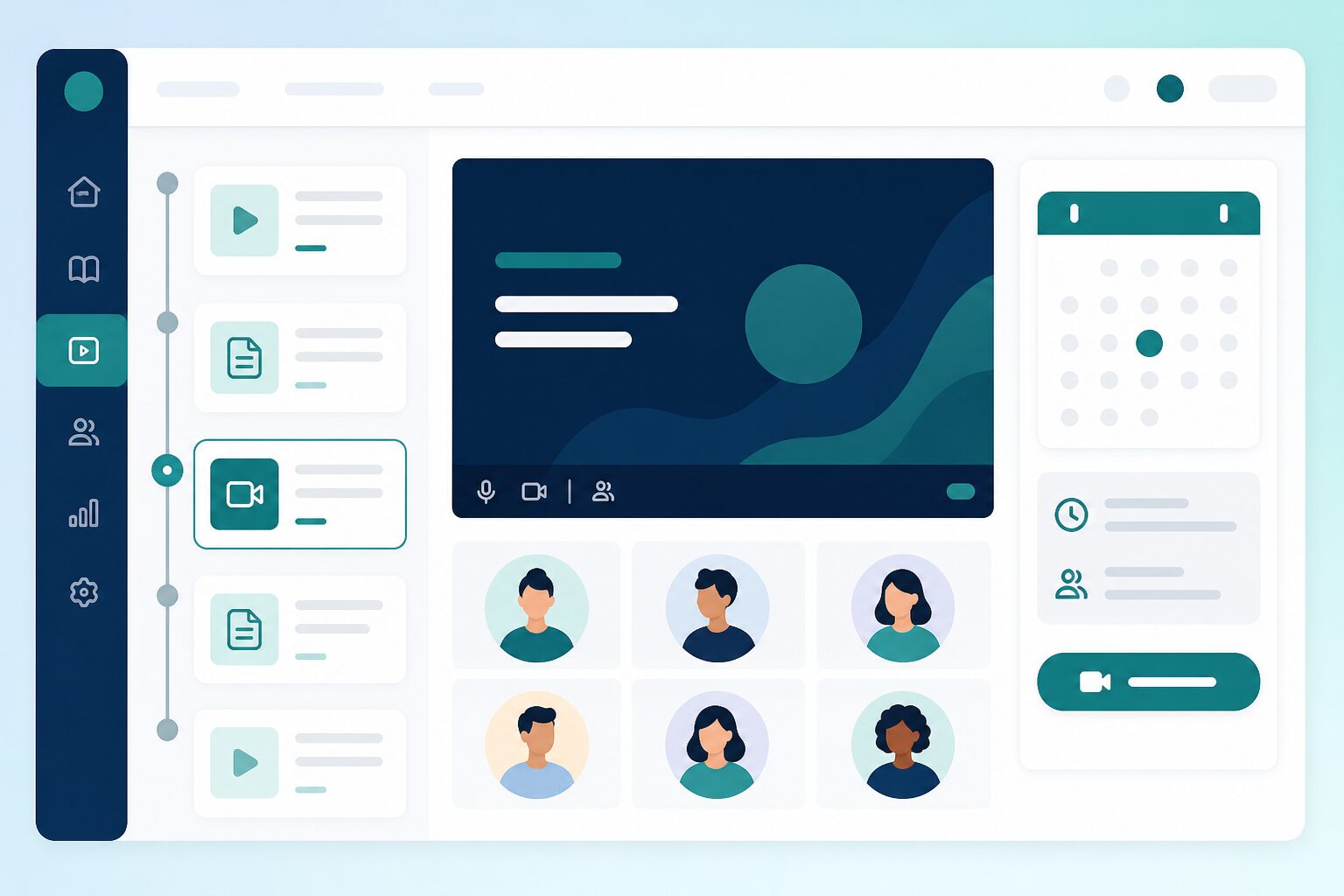
Live class scheduling in course outline
video_chat

Live classes in the course flow

Blend scheduled live sessions with self-paced lessons in one course. Learners join from the same portal they already use for videos and assignments.

  • Live sessions inside the course outline
  • Join from the learner portal
  • Alongside videos and documents
  • Central schedule for coordinators
Learn more arrow_forward
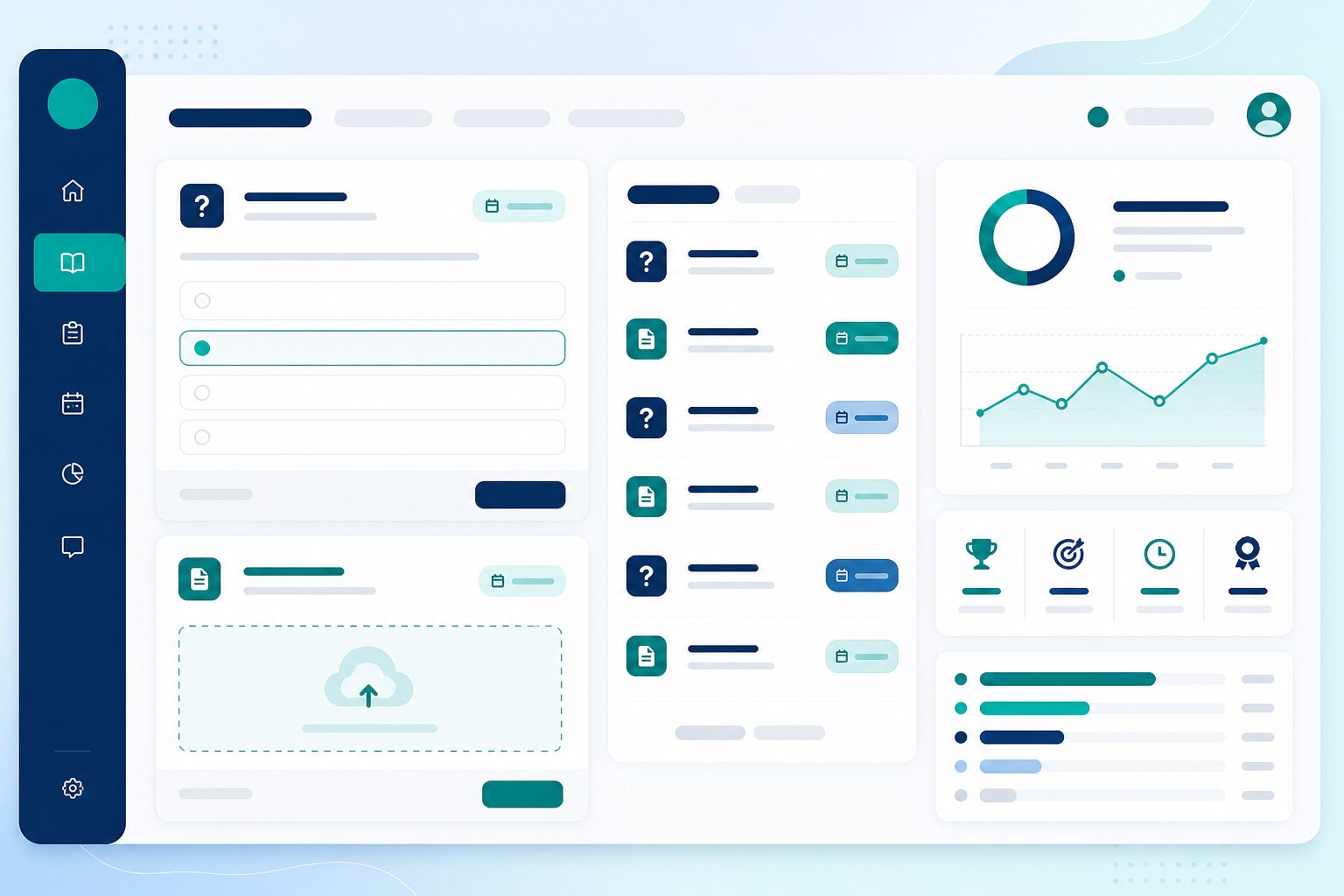
Assignments and exams linked to courses
assignment

Assignments & exams inside courses

Place assignments and exams where they belong in the learning path—timed tests, submissions, and due dates without sending learners to a separate system.

  • Assignments with due tracking
  • Exams and quizzes in the outline
  • Clear due and overdue visibility
  • Tied to unlock & completion rules
Learn more arrow_forward
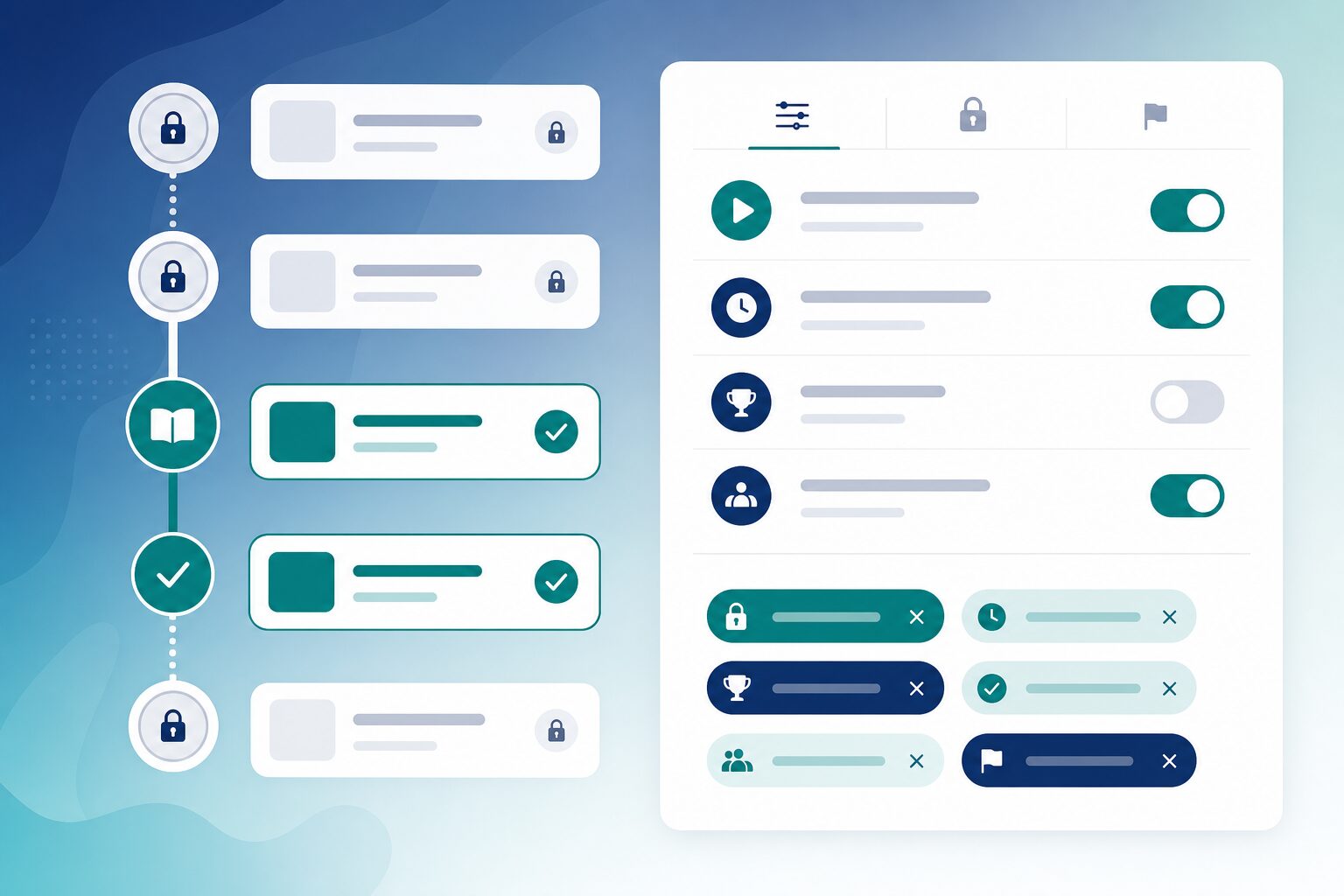
Content unlock and completion settings
lock_open

Unlock & completion rules

Decide when learners can open content—and when it counts as finished. Build structured paths without micromanaging every click.

  • Control when content becomes visible
  • Define when progress counts as done
  • Per-item overrides when needed
  • Supports sequential learning paths
Learn more arrow_forward
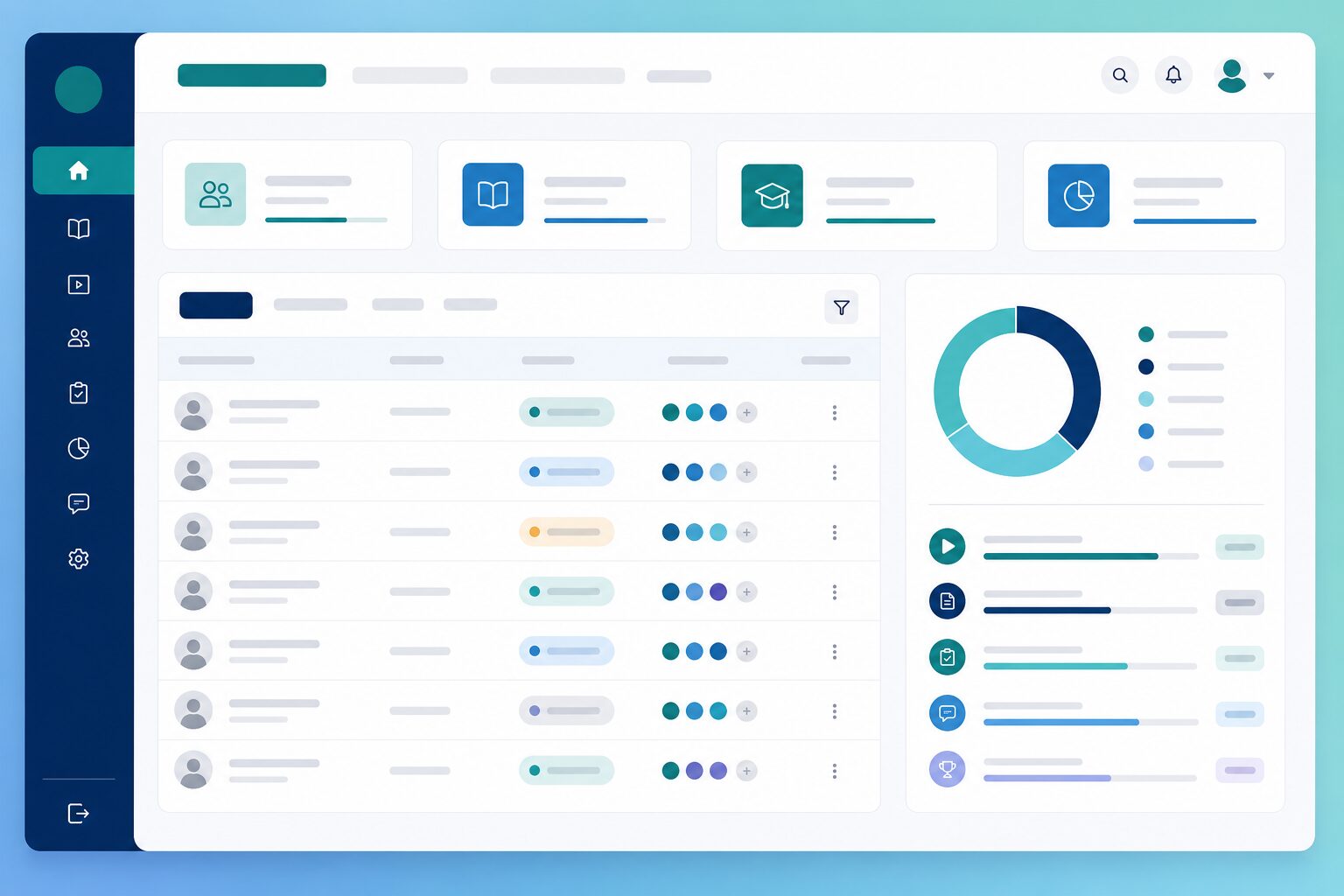
Enrollment and progress dashboard
group_add

Enrollment & progress tracking

Get the right learners into the right courses—manually, via marketplace purchase, or after registration—then track progress per enrollment automatically.

  • Manual enrollment for batches
  • Marketplace, paid flows & discount coupons
  • Registration handoff from admissions
  • Progress per learner
Learn more arrow_forward
Candidate learner portal experience
desktop_windows

Candidate learner portal

Give every enrolled learner a branded portal for courses, live classes, assignments, exams, progress, certificates, and payments—without exposing admin tools.

  • My Learning dashboard & Continue Learning
  • Exams, assignments & live classes in one shell
  • Progress, certificates & payments
  • Tenant branding on portal and login
Learn more arrow_forward
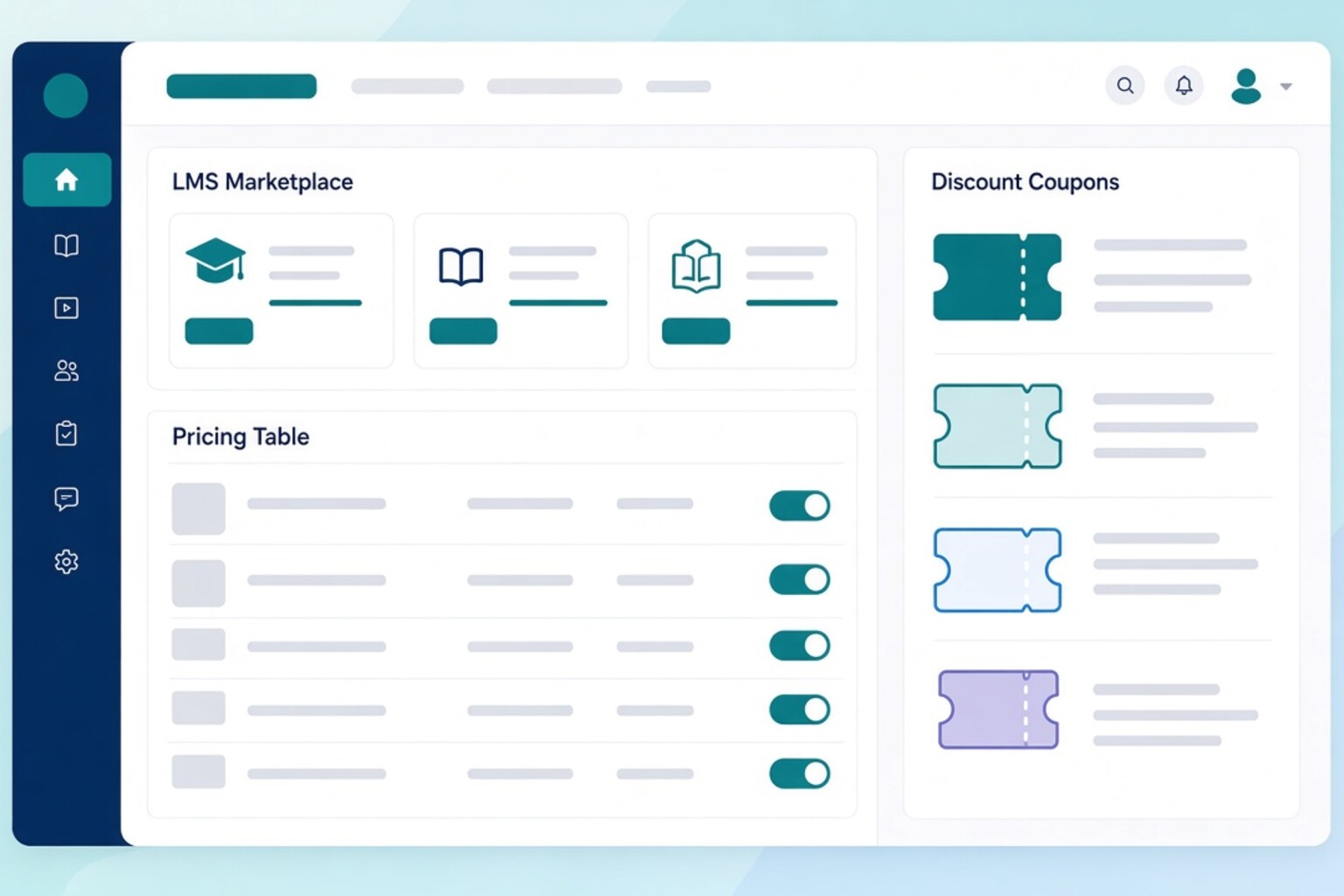
Marketplace pricing and discount coupons
sell

Marketplace, pricing & discount coupons

Sell courses from your catalog with clear pricing, then let learners apply discount coupons at checkout—while enrollment still lands in the same LMS experience.

  • Course catalog & paid listings
  • Pricing and course-level discounts
  • Coupon codes for checkout
  • Orders tied to enrollment
Learn more arrow_forward
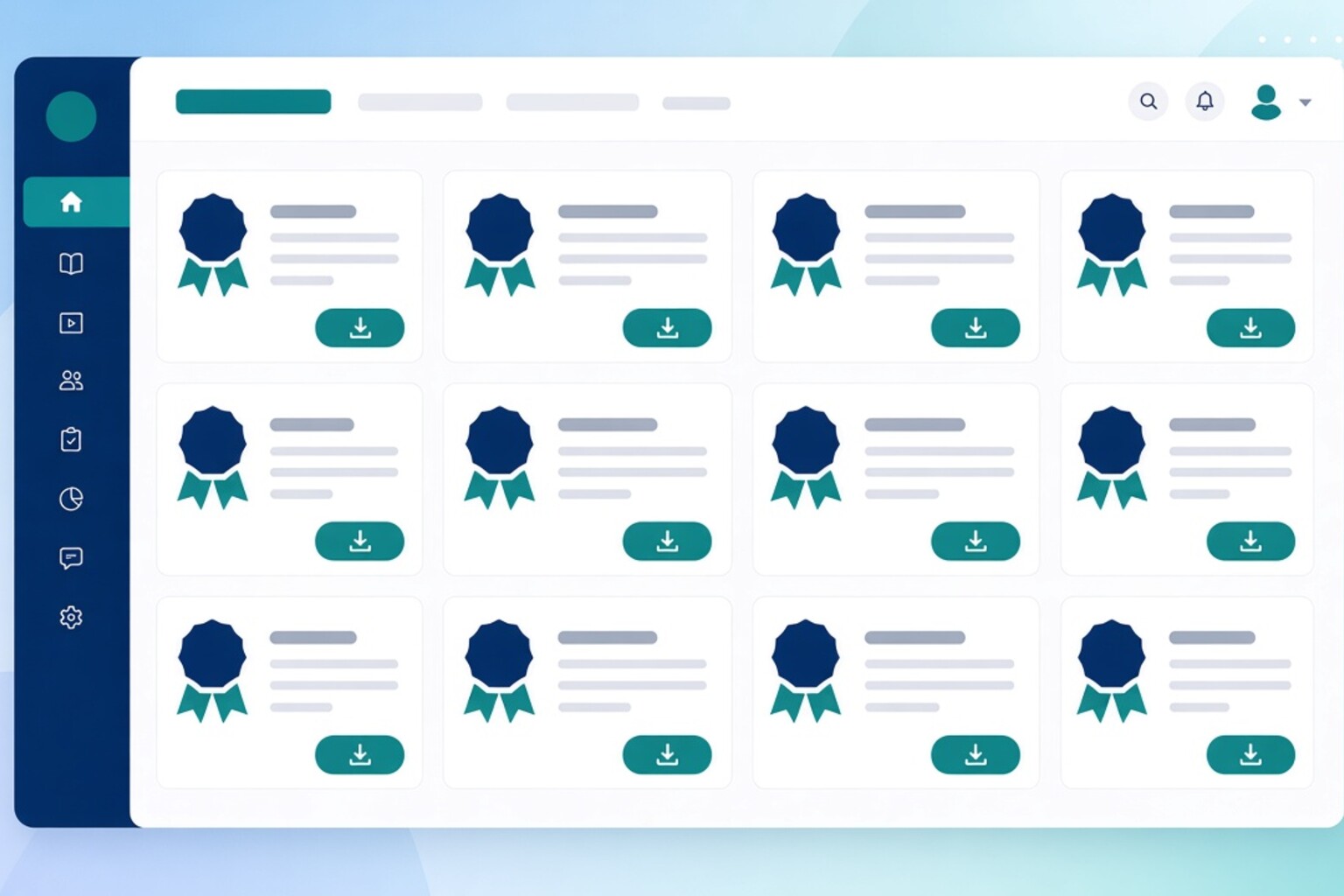
Certificates in the learner portal
workspace_premium

Certificates & achievements

Issue certificates when learners complete courses—then let them download and share credentials from the candidate portal.

  • Certificate issuance on completion
  • Learner download & share
  • Tied to course progress rules
  • Visible in the candidate portal
Learn more arrow_forward
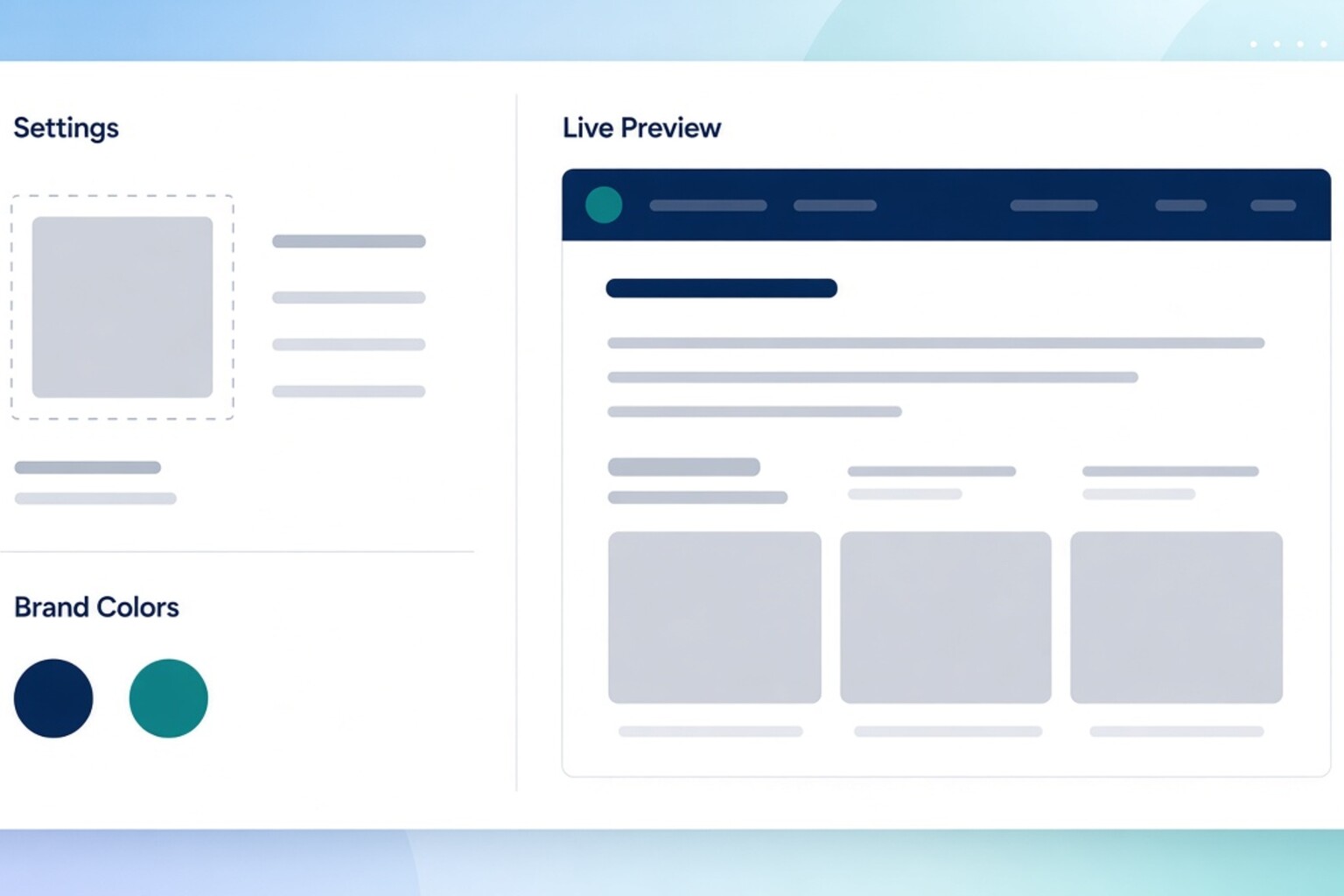
Institute branding settings and portal preview
palette

Institute branding

Present Next LMS under your institute identity—logo, name, and colors on the candidate portal and login so learners trust they are in the right place.

  • Logo, name & color controls
  • Branded candidate portal
  • Branded login experience
  • Consistent institute identity
Learn more arrow_forward
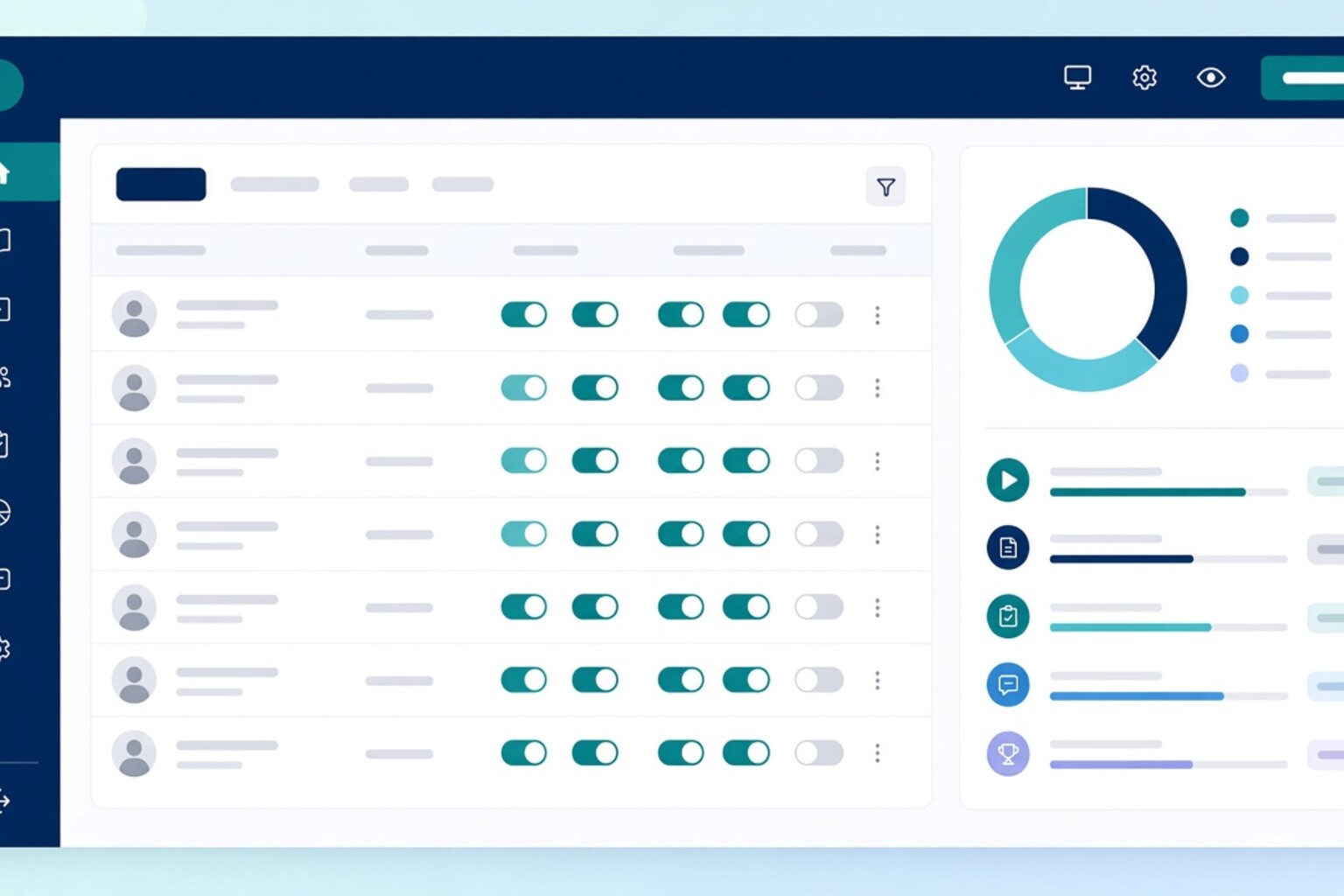
Admin roles and permissions management
admin_panel_settings

Admin roles & permissions

Control which staff can manage courses, exams, live classes, enrollments, and marketplace operations—so access stays least-privilege and auditable.

  • Role-based staff access
  • Course, exam & live permissions
  • Enrollment & marketplace controls
  • Safer multi-person operations
Learn more arrow_forward
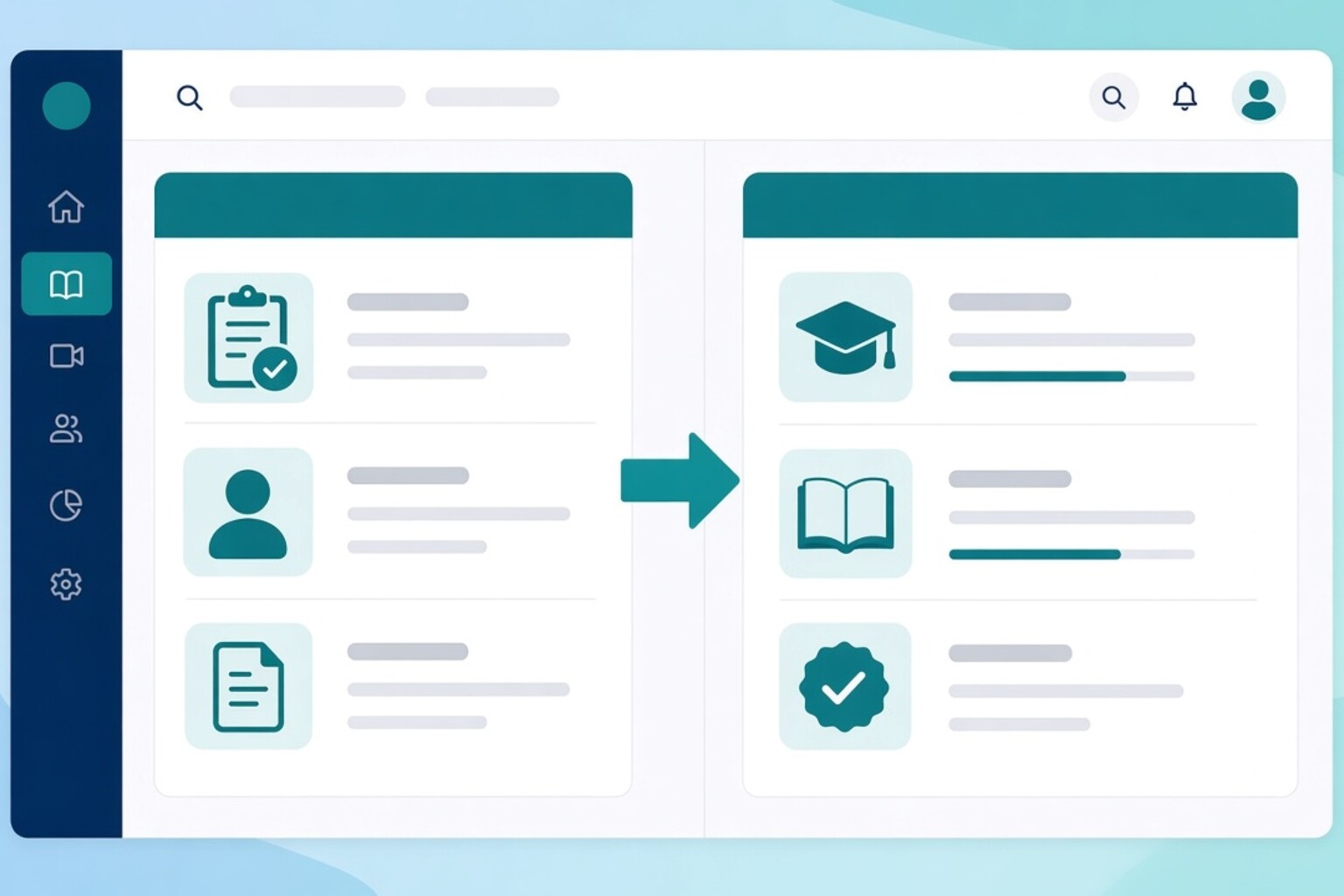
Registration to course enrollment handoff
how_to_reg

Registration → course enrollment

Move learners from registration or admissions into course enrollment without rebuilding lists—so batches start in Next LMS with the right access.

  • Registration review to enrollment
  • Batch-friendly course assignment
  • Less double data entry
  • Aligned admissions and LMS ops
Learn more arrow_forward
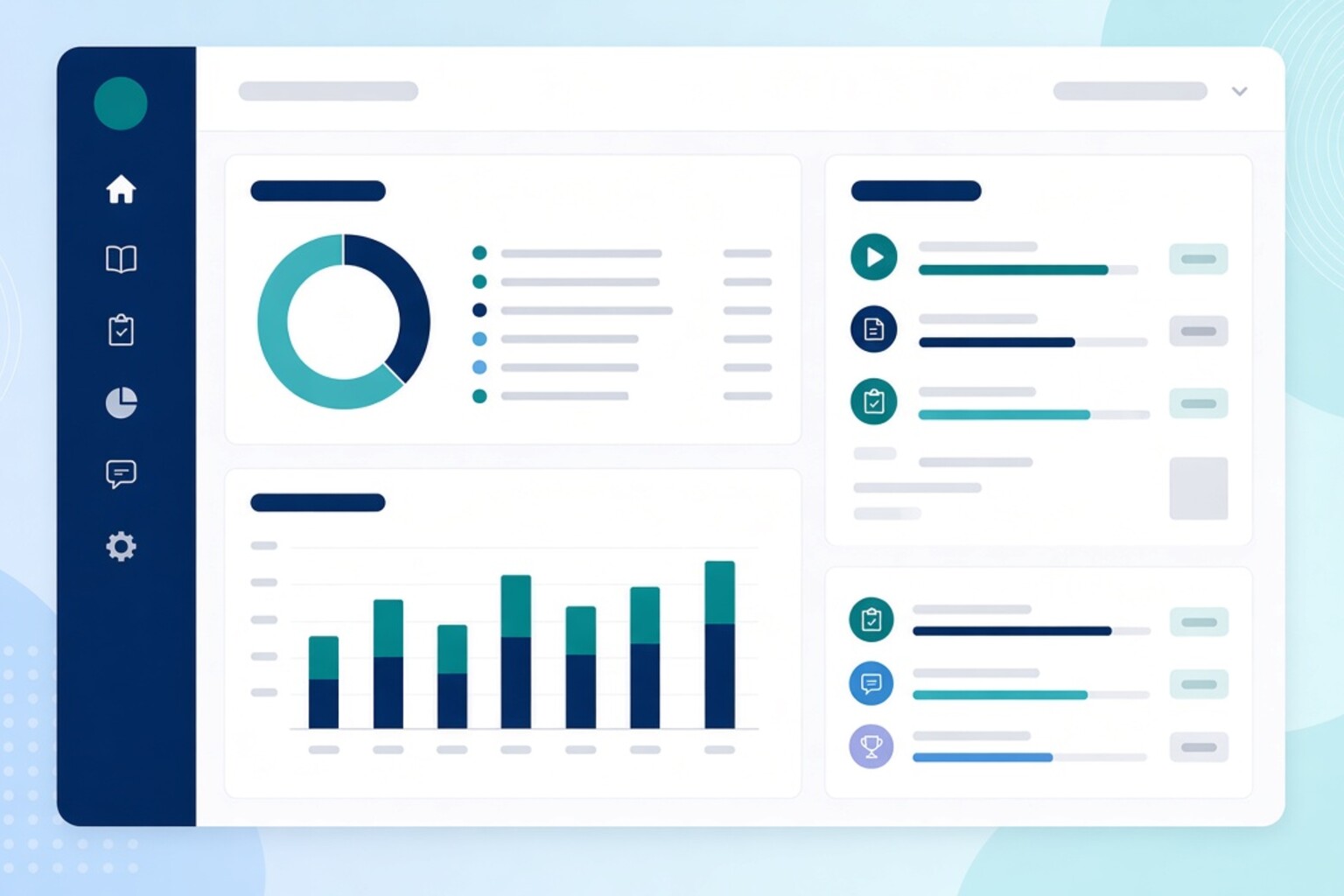
LMS progress and cohort reports
analytics

Progress tracking & reports

See lesson completion, exam attempts, and cohort progress so coordinators can intervene before learners fall behind—not after results arrive too late.

  • Course and lesson completion
  • Exam attempt visibility
  • Cohort progress views
  • Coordinator-ready reporting
Learn more arrow_forward
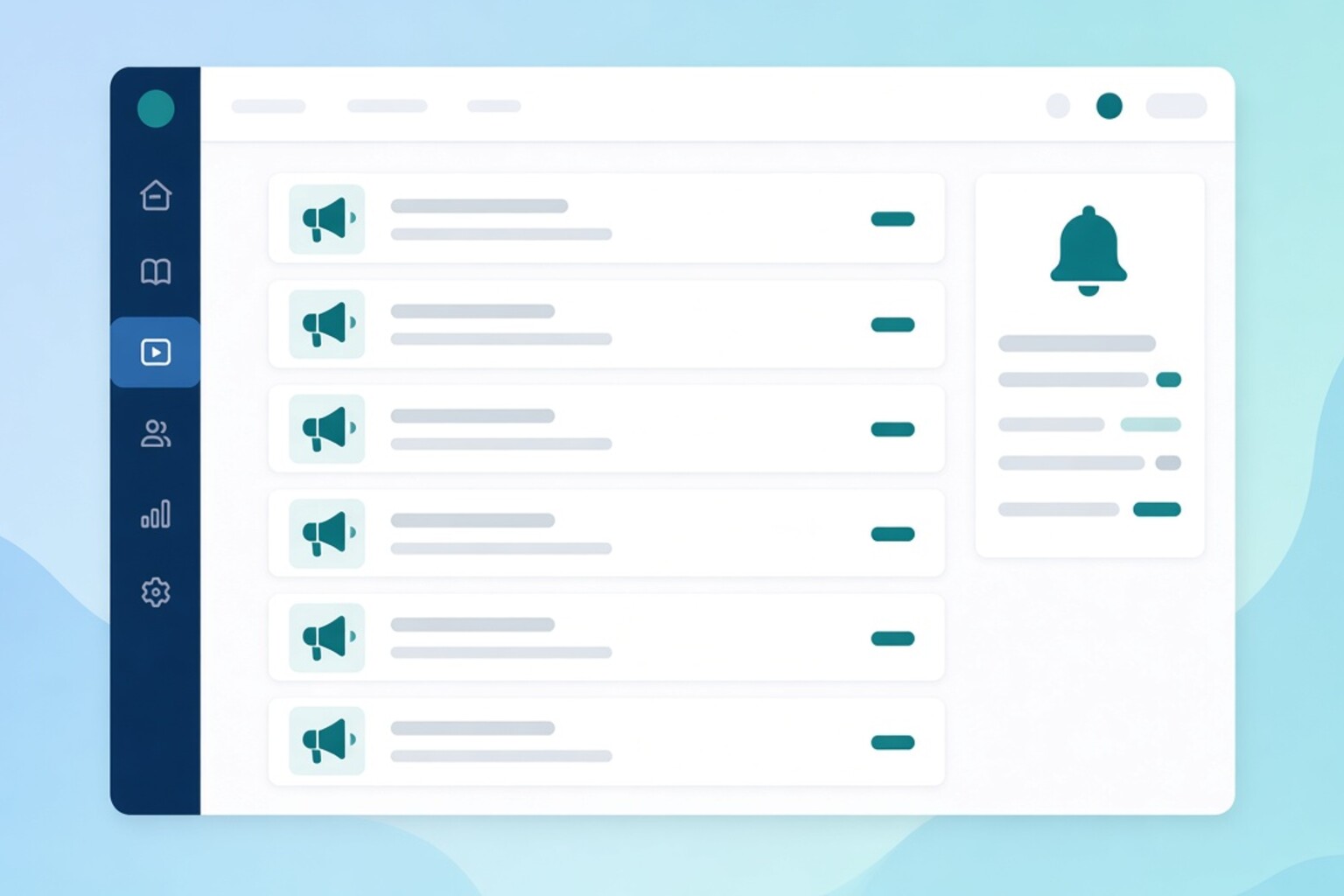
Learning announcements and portal notices
campaign

Learning communication

Keep learners informed with announcements and in-portal notices alongside course delivery—so important updates are not buried in personal email threads.

  • Announcements for cohorts
  • In-portal notices
  • Course-aligned updates
  • Less reliance on side channels
Learn more arrow_forward

Built for educators and learners

One platform—two experiences. Admins build and monitor; learners study in a branded candidate portal.

co_present

For educators & admins

  • library_books

    Course builder & content library

    Outlines, sections, lessons, shared media library, draft → publish.

  • video_call

    Live classes

    Schedule live sessions inside the course outline next to async content.

  • fact_check

    Assignments & exams

    Link assignments and exam catalog items into lesson sequences.

  • lock_open

    Unlock & completion rules

    Sequential unlock, time release, performance gates, and completion criteria.

  • group_add

    Enrollment & registration handoff

    Manual enroll, marketplace paid access, and registration-to-course handoff.

  • sell

    Marketplace & discount coupons

    Course pricing, coupon campaigns, checkout, and enrollment after payment.

  • palette

    Institute branding

    Logo, name, colors, and a familiar login/portal identity.

  • admin_panel_settings

    Roles & permissions

    Staff access for courses, exams, live classes, enrollments, and settings.

  • monitoring

    Progress & reports

    Cohort and learner progress, completion, and intervention-ready reports.

  • forum

    Learning communication

    Notify learners about courses, live classes, deadlines, and updates.

  • workspace_premium

    Certificates

    Issue and track certificates when course completion rules are met.

school

For learners

  • school

    Candidate portal

    Branded My Learning home with enrolled courses, progress, and next steps.

  • play_circle

    Continue Learning

    Focused lesson view with outline, tabs, resume, and up-next guidance.

  • video_call

    Live classes

    Join scheduled sessions from the same course portal—no hunting for links.

  • task

    Assignments & exams

    Due dates, attempts, submissions, and results inside the learning path.

  • route

    Unlock-aware path

    See what is open, locked, and required before moving to the next lesson.

  • shopping_cart

    Marketplace & coupons

    Browse paid courses, apply discount coupons, and enroll after checkout.

  • workspace_premium

    Certificates & achievements

    Earn, download, and share certificates when completion rules are met.

  • trending_up

    Progress & reports

    Clear progress bars and status so learners always know what is left.

  • palette

    Your institute brand

    Portal looks like your institute—logo, colors, and familiar identity.

  • notifications

    Communication

    Course updates, live-class reminders, and deadline alerts in one place.

Institute pricing tailored to your scale

Plans depend on learner count, modules enabled, and deployment needs. Book a demo and we'll walk through course setup, enrollment, and live delivery for your institution.

done Course builder, content library, and draft → publish
done Continue Learning and the candidate portal
done Live classes inside the course outline
done Assignments, exams, unlock and completion rules
done Enrollment, marketplace, and discount coupons
done Branding, roles, and registration handoff (if relevant)
done Progress reports and learning communication
done Certificates when completion rules are met

Book your Next LMS demo

Tell us about your institution—coaching, school, university, or corporate training—and we'll show course publishing, the candidate portal, and enrollment live.

Submit below—we respond within one business day.

Ready to centralize teaching on one LMS?

Courses, live classes, assessments, candidate portal, and progress—without juggling separate tools.