Staff & role administration
Staff records, role assignments, and access permissions aligned to your organizational hierarchy.
- Staff directory and profiles
- Role-based access control
- Department and campus assignment
- Audit-friendly permission model
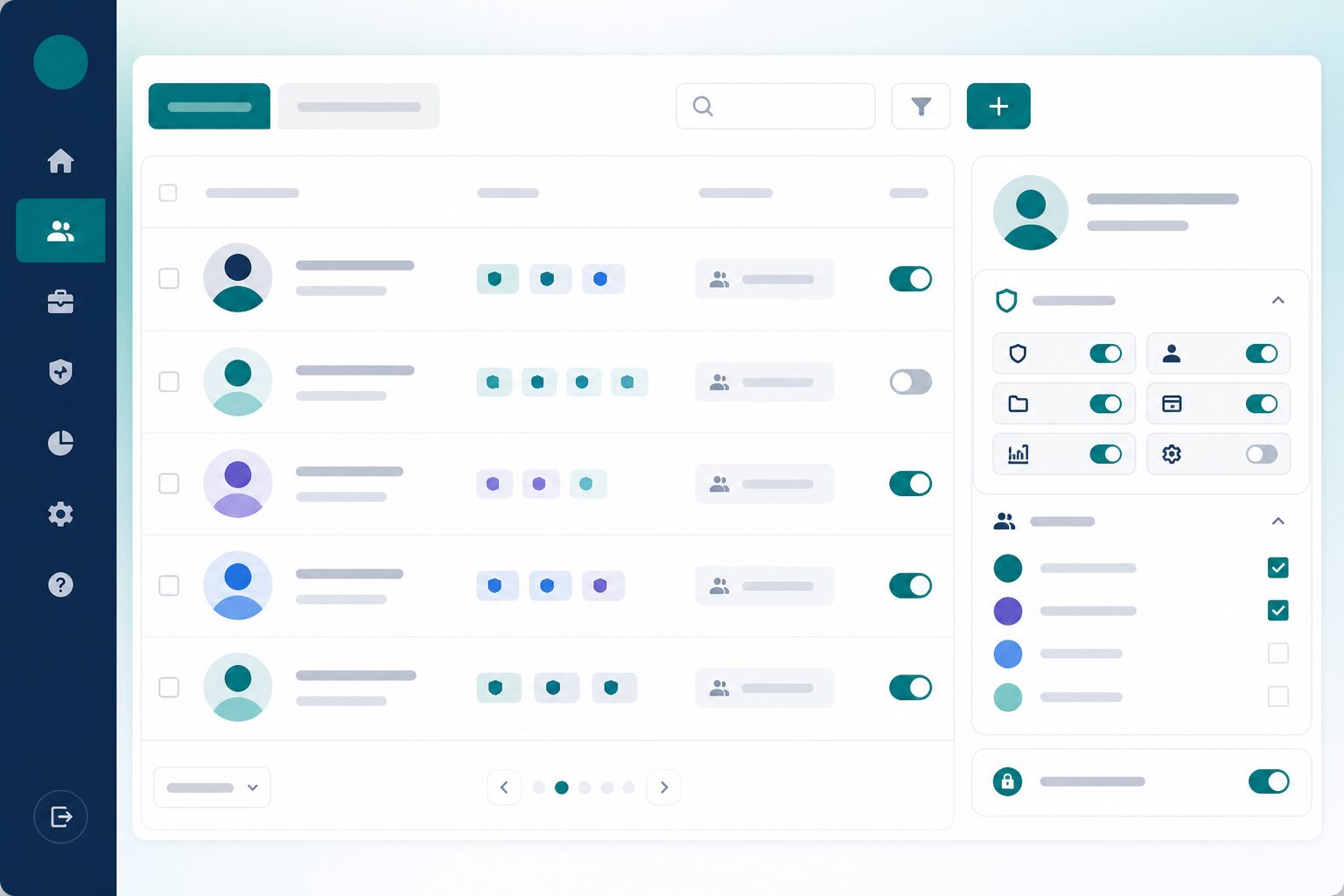
People and permissions in one place
Keep staff records and access aligned to how your institute is organized—least privilege by default.
Staff directory & profiles
Maintain a clear staff directory tied to operational roles. Who works where should not live only in HR email threads.
Role-based access control
Assign permissions by role instead of one-off exceptions. Access stays consistent as teams grow and change.
Department & campus assignment
Place staff in the org units they serve. Local visibility follows structure—not improvised account sharing.
Audit-friendly permissions
Support oversight with a permission model you can explain. Security reviews get clearer answers faster.
Access that matches responsibility
Help campus and department leads see what they need—without opening the entire tenant.
Least privilege by design
Limit access to the work each role must do. Broader visibility stays intentional for leadership and central admin.
Cleaner onboarding & offboarding
Turn access on and off with role assignments. Staff changes stop creating lingering permissions.
Consistent across the suite
Keep ERP staff and role thinking aligned with the wider Next Learner RBAC approach. One security language across modules.
More Next ERP features
Fees & commercial
Fee plans, invoicing, collections, and commercial reporting aligned to academic cohorts and enrollment events.
domainMulti-campus
Support multiple campuses, departments, and org units in one tenant—with data scoped appropriately per unit.
monitoringOperational reporting
Leadership dashboards for finance, staffing, and campus KPIs—alongside academic metrics from connected modules.
syncEnrollment handoff
Connect Growth admissions and LMS enrollment to fee workflows so billing starts when learners are admitted—without duplicate data entry.
hubConnected suite
ERP connects academic delivery (LMS), admissions (Growth), and high-stakes marking (OSM) under one multi-tenant platform.
See Staff & roles in a live demo
We will show this for your institute—fees, staff, multi-campus structure, and operational reporting.
Request a demo