AI question generator
Generate practice questions and quiz items from topics, lesson content, or learning objectives—then review and refine before learners see them.
- Topic and objective-based generation
- MCQ and short-answer drafts
- Difficulty and variety controls
- Instructor review before publish
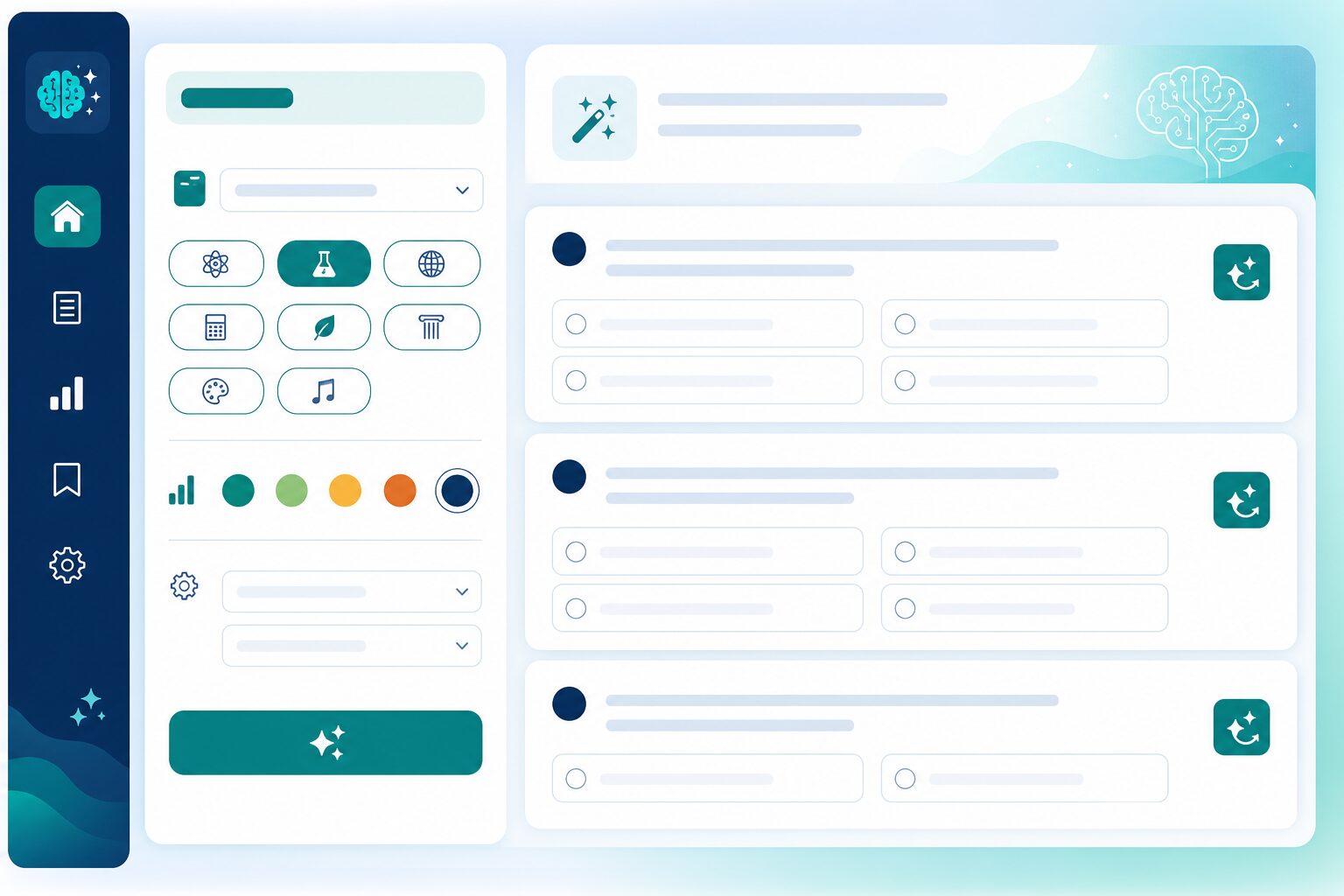
Build question banks faster
Start from AI drafts aligned to what you teach—then edit tone, distractors, and difficulty to match your standards.
Topic-driven generation
Create questions from syllabus topics or learning objectives. Faculty get a strong first draft instead of a blank item bank.
Multiple item formats
Draft MCQs and short-answer items for quizzes and practice sets. Mix formats without rebuilding every paper from scratch.
Difficulty & variety
Steer generation toward easier warm-ups or harder application items. Keep cohorts challenged without repetitive question clones.
Review before publish
Instructors approve every item. AI accelerates drafting; academic judgment stays with your faculty.
Fit assessment into teaching workflows
Keep generated questions close to the courses and tests you already run—not in a disconnected AI chat window.
Lesson-aligned practice
Generate items that match what learners just studied. Practice feels connected to delivery instead of random question dumps.
Reusable item drafts
Save reviewed questions into banks for future quizzes and series. Quality compounds across terms and batches.
Less faculty overtime
Cut hours spent inventing distractors and variants. Teachers spend energy on pedagogy and review—not blank-page drafting.
More Next AI Features features
Lesson & content
Draft outlines, summaries, and supplemental materials aligned to your curriculum and learning objectives—ready for instructor review.
gradingGrading & feedback
Support rubric-based grading with suggested scores and personalized learner feedback instructors approve before sending.
picture_as_pdfPDF question upload
Upload existing question papers as PDFs and extract structured questions for review—so legacy papers become usable digital item banks faster.
warningAt-risk signals
Early alerts when engagement or performance patterns suggest a learner needs intervention—before results are final.
upload_fileImport & extraction
Pull structured content from documents and legacy materials to speed up course authoring without manual re-entry.
auto_awesomeLMS workflows
AI tools appear where instructors already work—course builder, assignment review, and progress views—not a separate product.
hubComplements Agents
AI Features assist staff authoring and grading; AI Agents handle learner-facing support—both on one platform with shared governance.
See Question generator in a live demo
We will show this for your faculty and coordinators—lesson assist, grading, question gen, or at-risk signals.
Request a demo