Embedded in LMS workflows
AI tools appear where instructors already work—course builder, assignment review, and progress views—not a separate product.
- Course admin integration
- Same tenant and role context
- No duplicate logins
- Audit-friendly usage
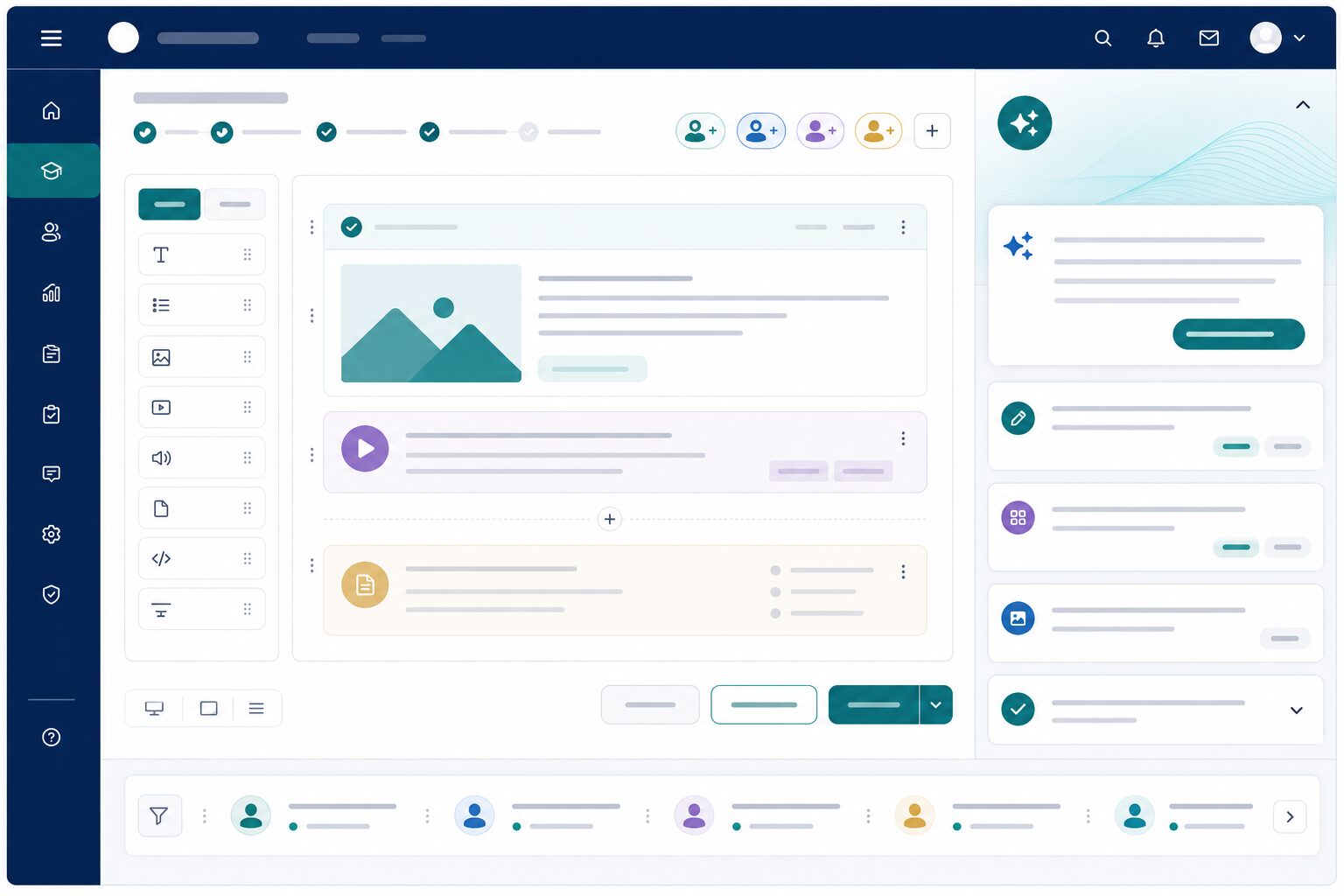
AI where teaching already happens
Keep assistance inside Next LMS—same courses, same roles, same audit context.
Course admin integration
Surface AI help in course builder and review screens. Faculty do not context-switch into another product.
Same tenant & roles
Respect existing permissions and institutional boundaries. AI features inherit who can see and edit what.
No duplicate logins
Use one authenticated session for teaching and AI assistance. Friction drops; adoption rises.
Audit-friendly usage
Keep AI activity in the same operational context as course changes. Oversight stays practical for compliance-minded teams.
One stack instead of tool sprawl
Avoid bolting on disconnected AI apps that fragment content, permissions, and learner data.
Shared course context
Assist against the courses you already deliver. Suggestions stay relevant because they live next to the content.
Familiar faculty experience
Meet instructors in screens they already know. Training overhead stays lower than teaching a new AI portal.
Institutional enablement
Turn features on with role-based control per tenant. Rollouts can be deliberate instead of all-or-nothing.
More Next AI Features features
Lesson & content
Draft outlines, summaries, and supplemental materials aligned to your curriculum and learning objectives—ready for instructor review.
gradingGrading & feedback
Support rubric-based grading with suggested scores and personalized learner feedback instructors approve before sending.
auto_awesomeQuestion generator
Generate practice questions and quiz items from topics, lesson content, or learning objectives—then review and refine before learners see them.
picture_as_pdfPDF question upload
Upload existing question papers as PDFs and extract structured questions for review—so legacy papers become usable digital item banks faster.
warningAt-risk signals
Early alerts when engagement or performance patterns suggest a learner needs intervention—before results are final.
upload_fileImport & extraction
Pull structured content from documents and legacy materials to speed up course authoring without manual re-entry.
hubComplements Agents
AI Features assist staff authoring and grading; AI Agents handle learner-facing support—both on one platform with shared governance.
See LMS workflows in a live demo
We will show this for your faculty and coordinators—lesson assist, grading, question gen, or at-risk signals.
Request a demo