Marker payments
Track completed marking volumes and payment workflows aligned to your OSM settings—so finance and operations stay aligned.
- check_circle Marking volume tracking
- check_circle Payment rate configuration
- check_circle Marker payment reports
- check_circle Tied to completed script records
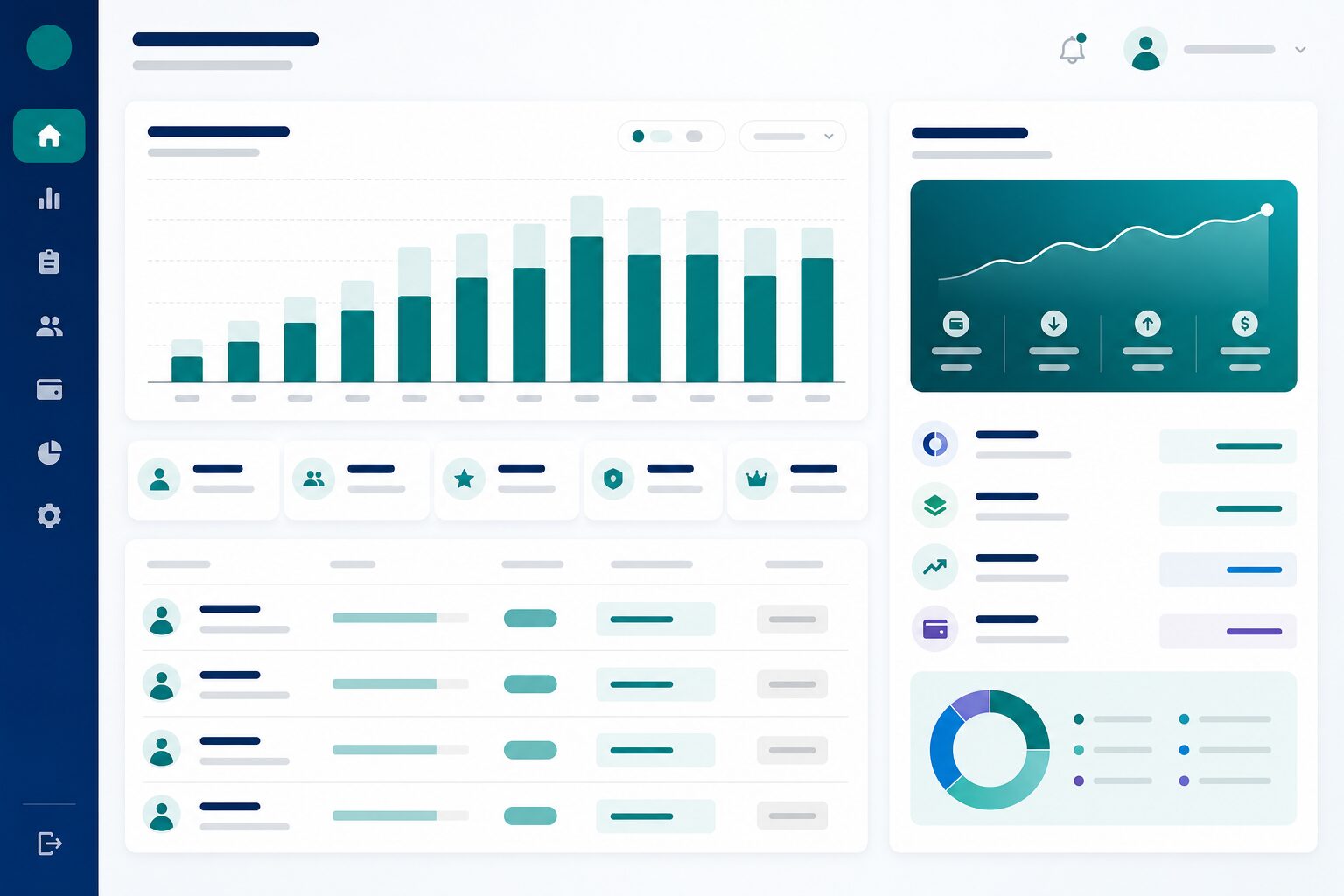
Pay markers from completed work
Connect volumes, rates, and reports so finance is not reconstructing payments from informal tallies.
Marking volume tracking
Count completed scripts as the basis for payment. Work done in marking queues becomes finance-ready evidence.
Payment rate configuration
Align rates to your OSM settings and institutional policy. Payment logic stays configurable—not hard-coded in spreadsheets.
Marker payment reports
Produce reports finance and operations can both trust. Settlements move faster when numbers are shared.
Tied to script records
Keep payments connected to completed script history. Disputes resolve against operational data—not memory.
Operations and finance on the same page
Reduce opacity around marker compensation without turning OSM into a full payroll system.
Transparent workloads
Show what each marker completed. Transparency builds trust with marking panels and exam offices alike.
Fewer reconciliation cycles
Cut back-and-forth between marking cells and accounts. Shared volumes shorten payment cycles.
Aligned to your settings
Keep payment workflows consistent with how your institution configures OSM. Local rules stay first-class.
More Next OSM features
Bundle inventory
Track sealed exam bundles from registration through receiving: Created → Dispatched → Received—with organization and center context.
scannerScript scanning
Scan booklets at the intake desk or upload digital batches—then route scripts through QC before marking allocation.
assignment_indMarker allocation
Assign scripts to markers with workload distribution, double-marking rules, and visibility for marking cell coordinators.
fact_checkQC & marking
Enforce quality control at scale—review marks, resolve discrepancies, and ensure scripts meet standards before export.
summarizeReports & export
Generate marking reports and export results with full traceability from bundle receipt through final marks.
See Marker payments in a live demo
We will walk through this capability for your institution—coaching, school, or university.
Request a demo