Bundle inventory & receiving
Track sealed exam bundles from registration through receiving: Created → Dispatched → Received—with organization and center context.
- check_circle Organization and center masters
- check_circle Bundle status workflow
- check_circle Awaiting receipt queue
- check_circle Booklet count per bundle
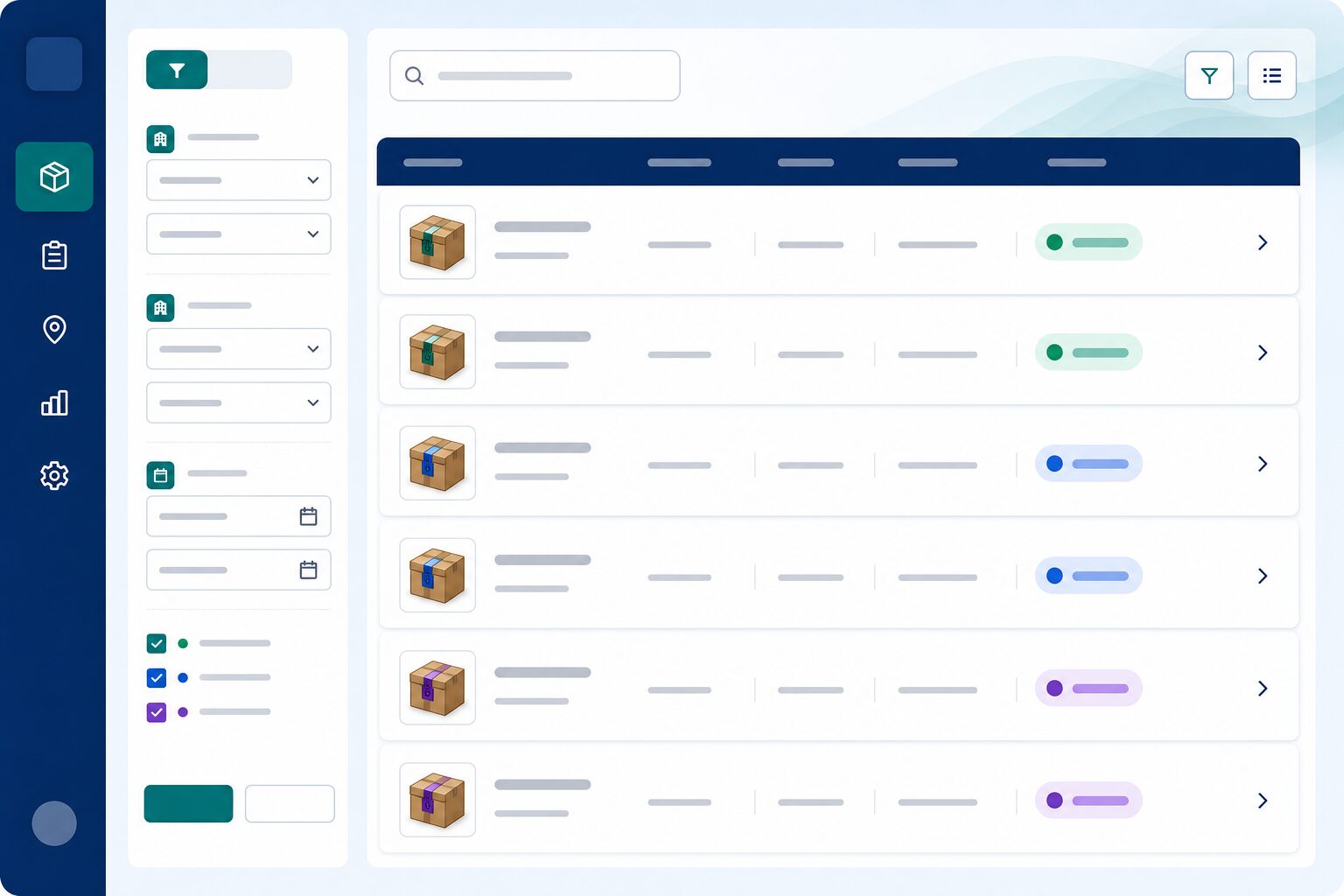
Chain of custody from day one
Know where every sealed bundle sits—before a single page is scanned.
Organizations & centers
Model multi-center exams under clear organizational structure. Intake points stay identifiable across large operations.
Bundle status workflow
Move bundles through Created, Dispatched, and Received with intentional status changes. No more “where is this packet?” guesswork.
Awaiting receipt queue
See what is still expected versus what has arrived. Operations teams focus on exceptions instead of hunting spreadsheets.
Booklet counts that match reality
Track expected booklet counts per bundle before scanning starts. Discrepancies surface early—not after marking is underway.
Intake built for exam offices
Give logistics and exam control rooms one shared view of sealed inventory.
Register before you scan
Capture expected bundles up front so receiving is a controlled step. Scanning begins only when accountability is in place.
Center-level visibility
Understand which centers have completed intake. Coordinators can chase late packets without disrupting the whole session.
Ready for the scan desk
Hand clean received inventory to scanning teams. Bundle context travels with scripts into the next stage.
More Next OSM features
Script scanning
Scan booklets at the intake desk or upload digital batches—then route scripts through QC before marking allocation.
assignment_indMarker allocation
Assign scripts to markers with workload distribution, double-marking rules, and visibility for marking cell coordinators.
fact_checkQC & marking
Enforce quality control at scale—review marks, resolve discrepancies, and ensure scripts meet standards before export.
summarizeReports & export
Generate marking reports and export results with full traceability from bundle receipt through final marks.
paymentsMarker payments
Track completed marking volumes and payment workflows aligned to your OSM settings—so finance and operations stay aligned.
See Bundle inventory in a live demo
We will walk through this capability for your institution—coaching, school, or university.
Request a demo