AI built into teaching, content creation, and assessment workflows.
Accelerate instructors with AI-assisted lesson planning, content generation, grading support, risk signals, and personalized feedback across the learning lifecycle.
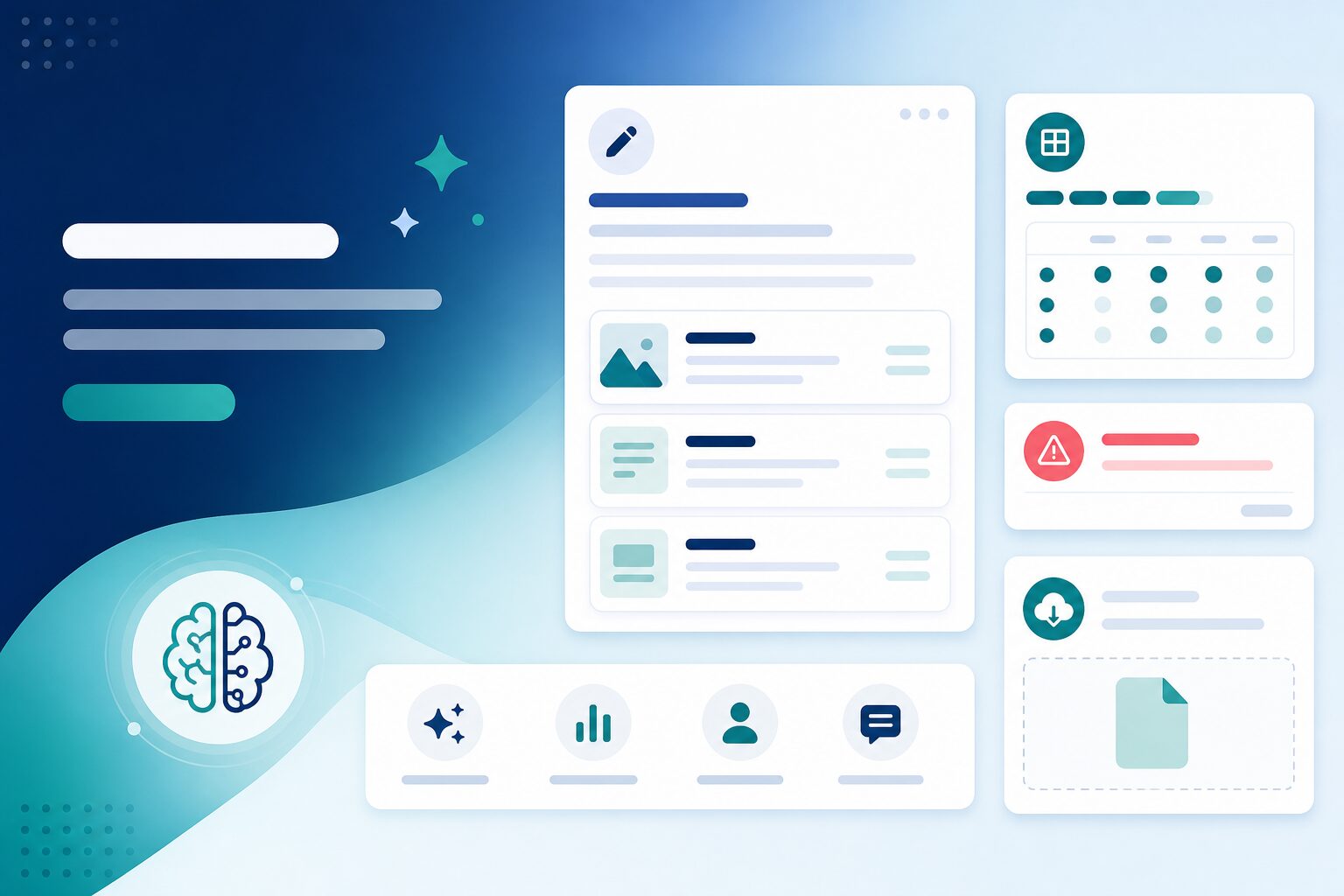
Problems we solve for teaching teams
Save faculty time on authoring and grading—without bolting on disconnected AI tools.
Lesson planning takes too long
Solution
Draft lesson outlines, summaries, and supplemental materials aligned to your curriculum—then edit and publish inside the LMS workflow.
Grading backlog grows every term
Solution
Support rubric-based grading with suggested scores and personalized feedback drafts instructors review before release.
At-risk learners identified too late
Solution
Early signals when engagement or performance patterns suggest a learner needs intervention—surfaced to coordinators, not buried in reports.
Legacy content stuck in documents
Solution
Import and extract structured content from documents and legacy materials to speed up course authoring without retyping everything.
AI tools disconnected from delivery
Solution
AI capabilities live inside Next LMS admin and teaching workflows—same login, same courses, same audit context.
Built for instructors and coordinators
Faculty create and assess faster; coordinators spot learners who need help sooner.
For instructors
-
menu_book
Lesson assistance
Generate outlines, summaries, and discussion prompts aligned to learning objectives.
-
grading
Grading support
Get suggested rubric scores and feedback drafts to review and personalize.
-
upload_file
Content import
Pull structured content from documents to populate lessons faster.
-
edit_note
In-workflow editing
AI drafts appear in familiar course admin screens—you approve before publish.
For academic coordinators
-
warning
At-risk signals
Alerts when completion or performance patterns suggest intervention is needed.
-
monitoring
Cohort visibility
See engagement trends alongside course progress in admin dashboards.
-
fact_check
Quality oversight
Review AI-assisted content and grading before it reaches learners.
-
policy
Institutional control
Enable features per tenant with role-based access to AI tools.
Everything inside Next AI Features
AI woven into every stage of teaching, content creation, and assessment.
Lesson & content assistance
Draft outlines, summaries, and supplemental materials aligned to your curriculum and learning objectives—ready for instructor review.
- check_circle Lesson outline generation
- check_circle Summary and recap drafts
- check_circle Discussion question suggestions
- check_circle Aligned to course structure
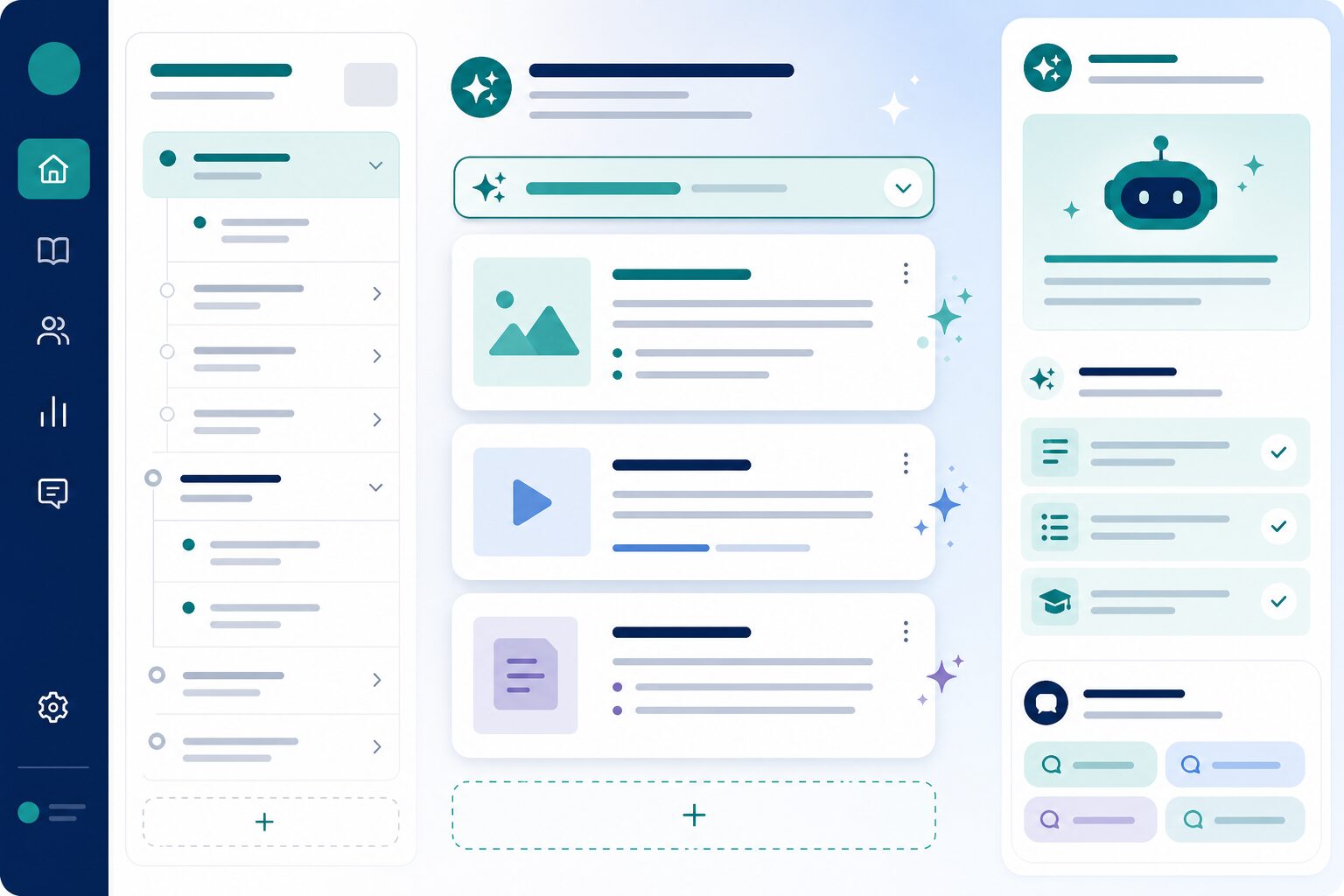
Grading & feedback support
Support rubric-based grading with suggested scores and personalized learner feedback instructors approve before sending.
- check_circle Rubric-aligned score suggestions
- check_circle Feedback draft generation
- check_circle Instructor review before release
- check_circle Consistent tone per institution
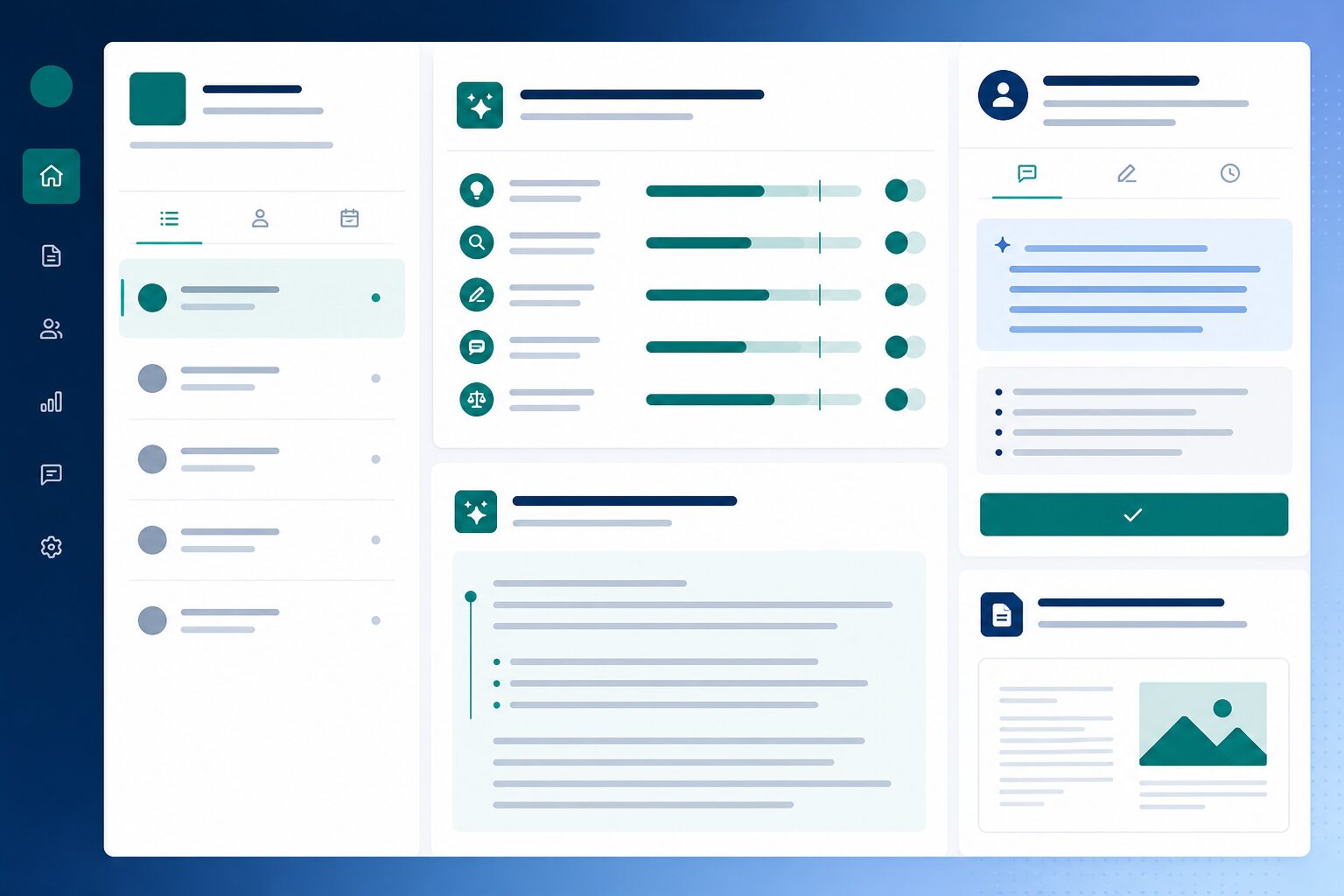
AI question generator
Generate practice questions and quiz items from topics, lesson content, or learning objectives—then review and refine before learners see them.
- check_circle Topic and objective-based generation
- check_circle MCQ and short-answer drafts
- check_circle Difficulty and variety controls
- check_circle Instructor review before publish
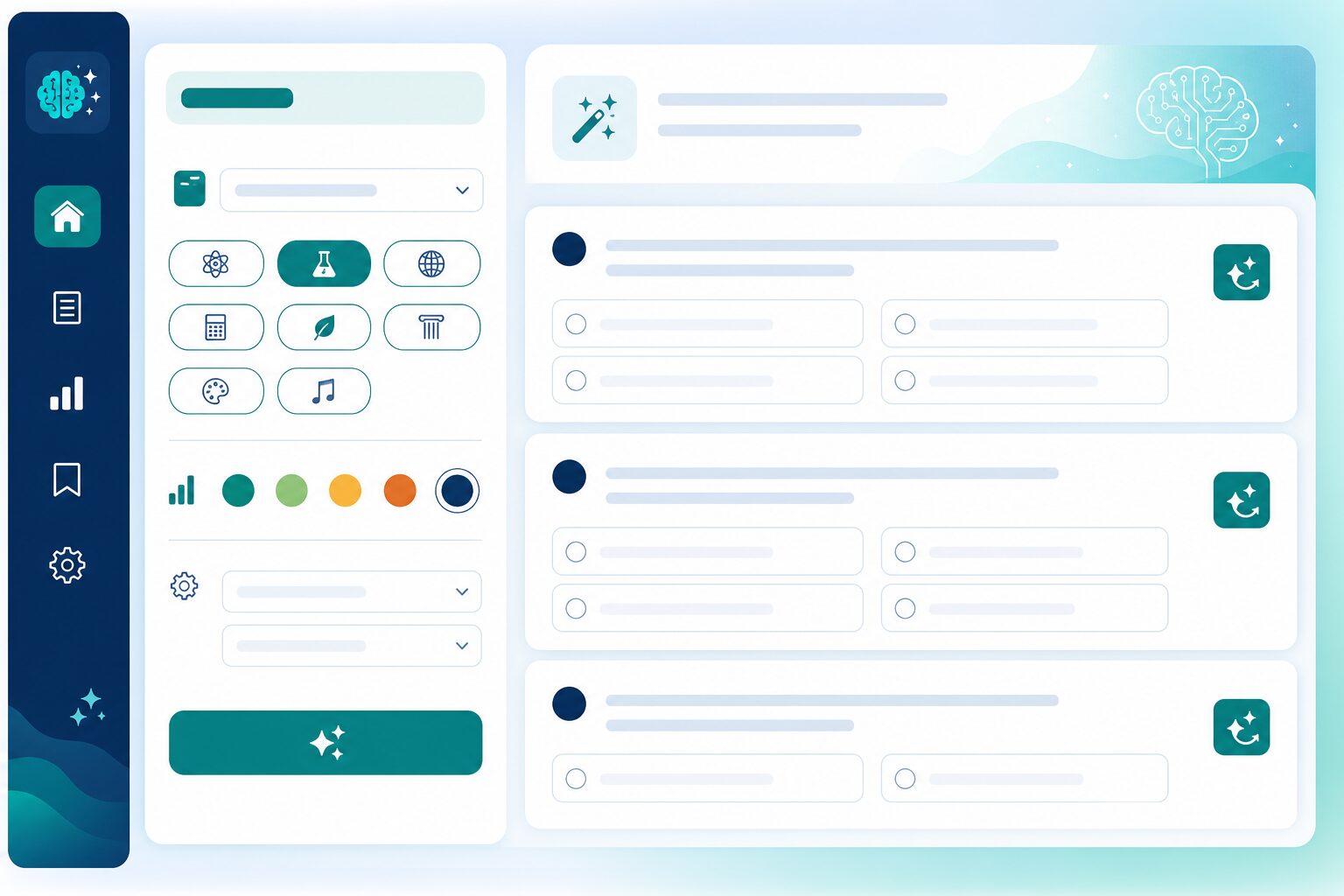
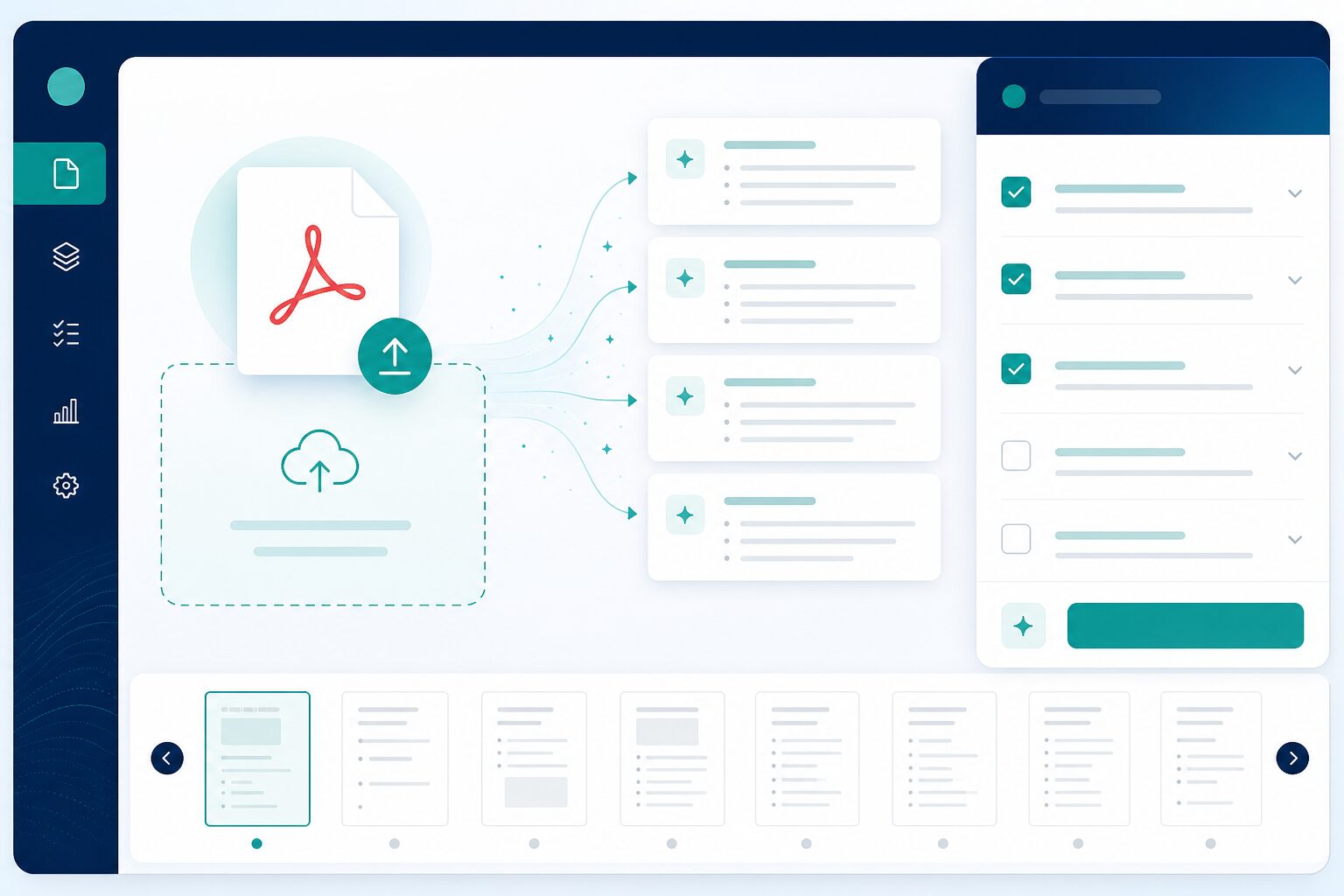
PDF question upload
Upload existing question papers as PDFs and extract structured questions for review—so legacy papers become usable digital item banks faster.
- check_circle PDF upload for question papers
- check_circle Structured question extraction
- check_circle Review and edit before save
- check_circle Reuse across quizzes and series
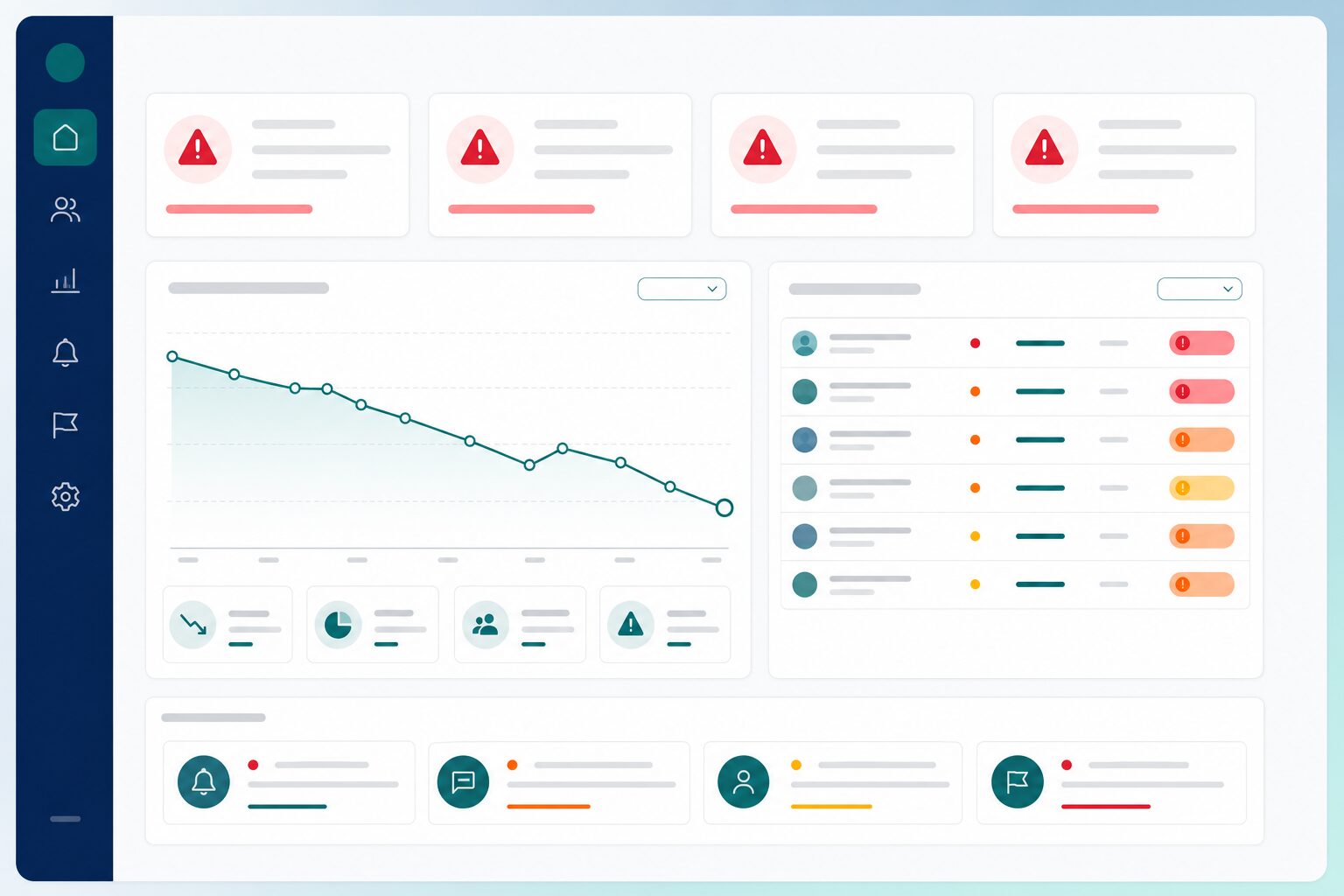
At-risk learner signals
Early alerts when engagement or performance patterns suggest a learner needs intervention—before results are final.
- check_circle Engagement pattern detection
- check_circle Performance trend alerts
- check_circle Coordinator-facing notifications
- check_circle Works with LMS progress data
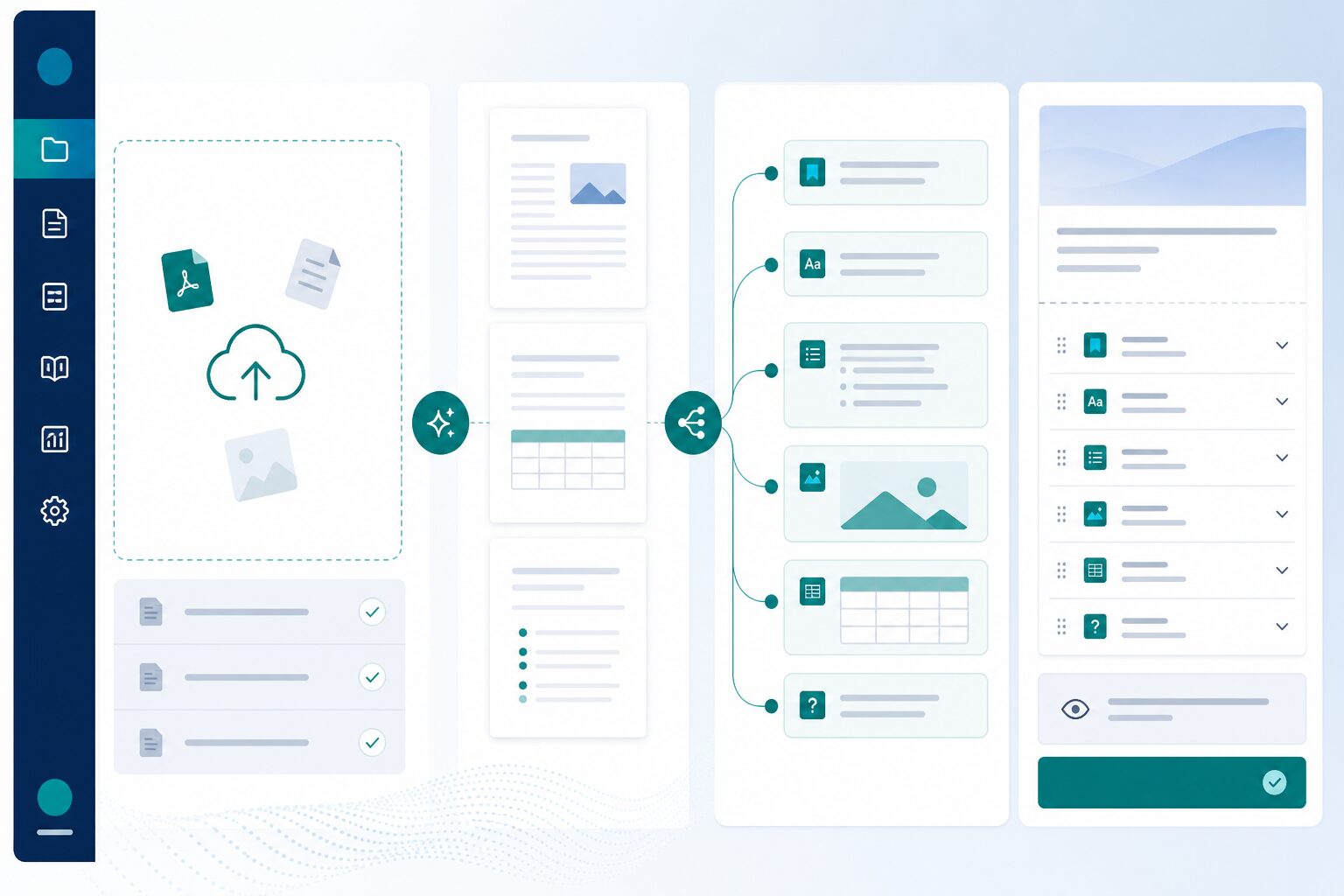
Import & extraction helpers
Pull structured content from documents and legacy materials to speed up course authoring without manual re-entry.
- check_circle Document upload and parsing
- check_circle Structured lesson extraction
- check_circle Review before publish
- check_circle Reduces manual copy-paste
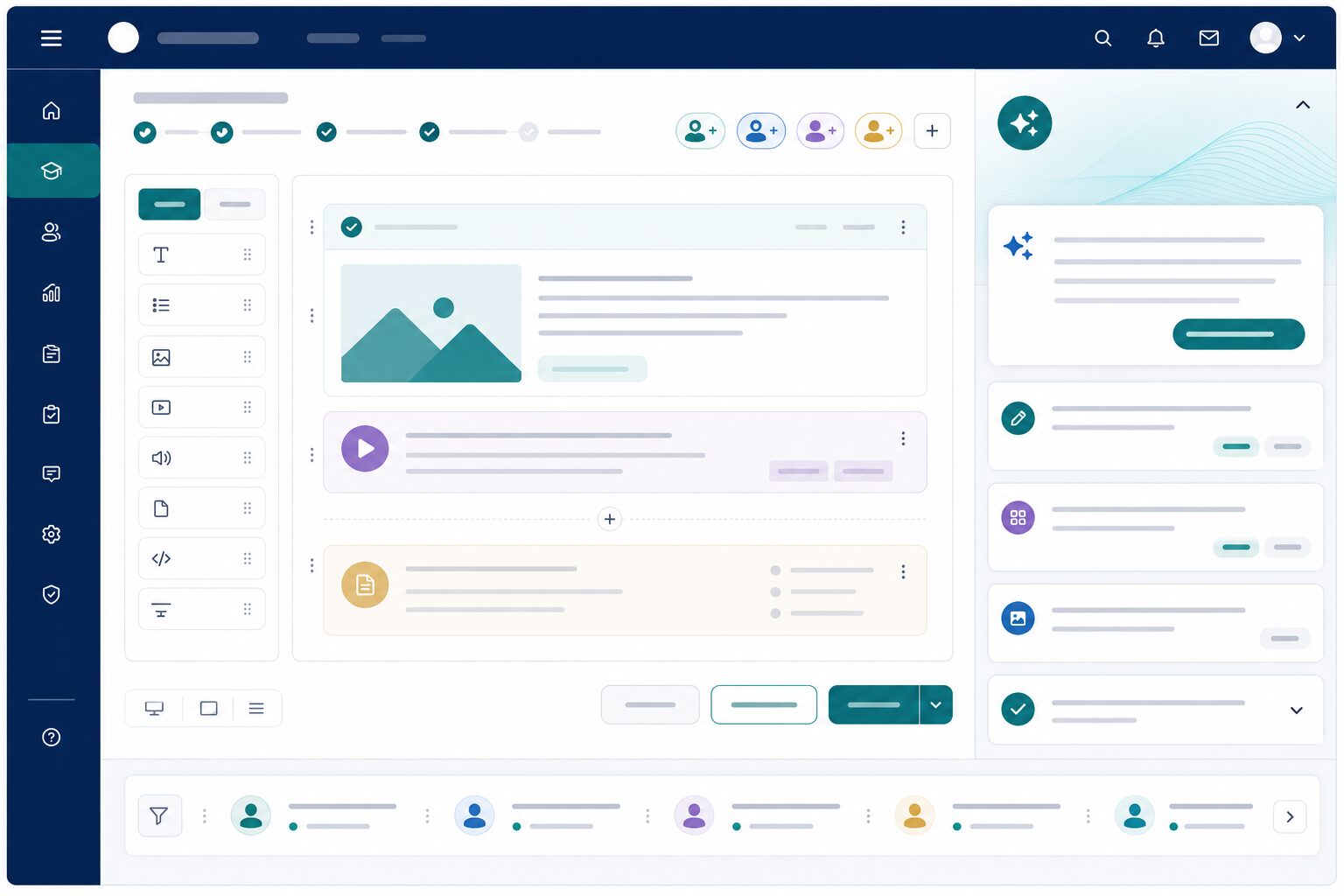
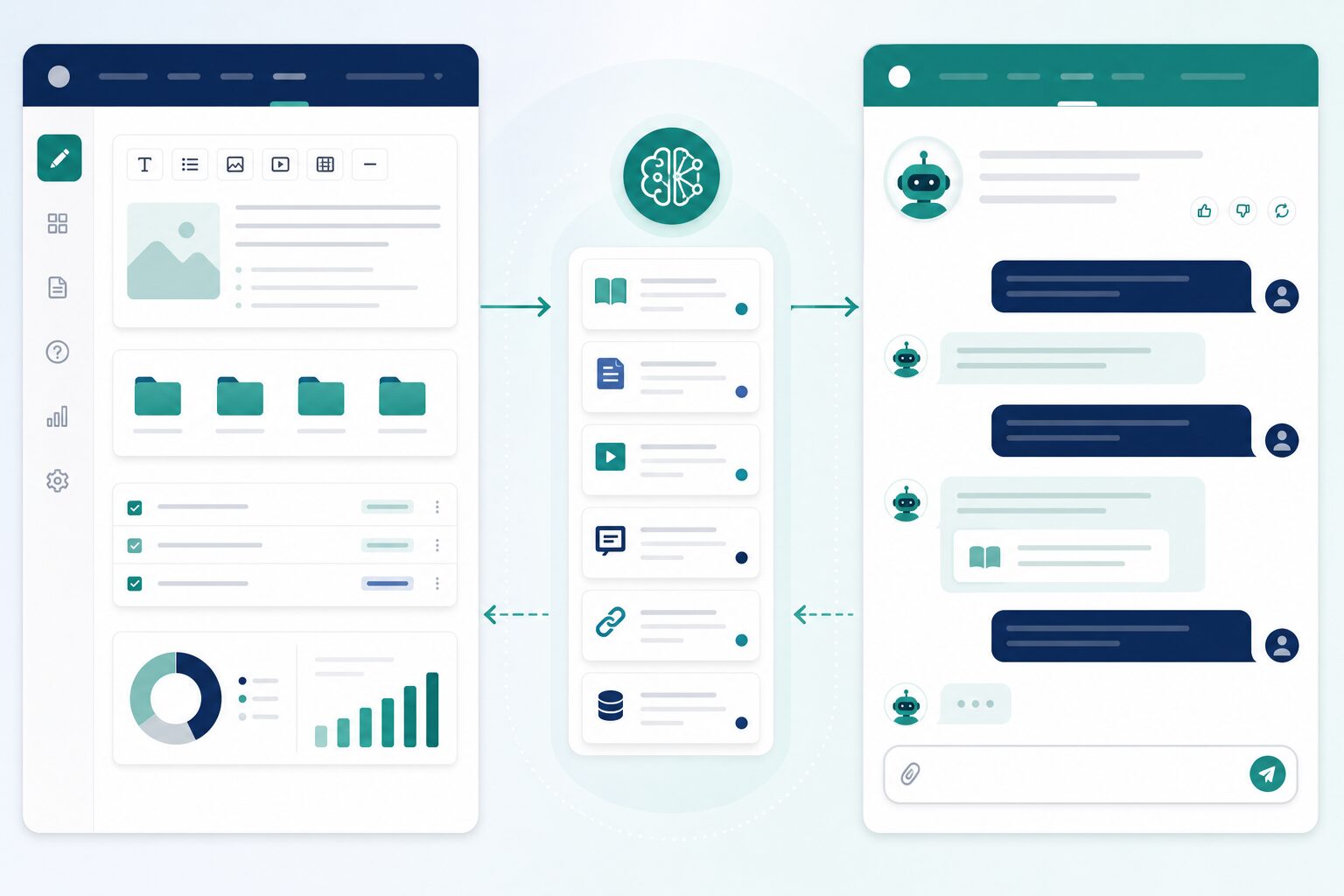
Embedded in LMS workflows
AI tools appear where instructors already work—course builder, assignment review, and progress views—not a separate product.
- check_circle Course admin integration
- check_circle Same tenant and role context
- check_circle No duplicate logins
- check_circle Audit-friendly usage
Complements AI Agents
AI Features assist staff authoring and grading; AI Agents handle learner-facing support—both on one platform with shared governance.
- check_circle Staff-side vs learner-side AI
- check_circle Shared institutional knowledge
- check_circle Unified admin controls
- check_circle Consistent security model
Goes further with the Next Learner suite
AI Features power teaching inside LMS; add Agents for learner support and Test Series for assessment.
Next LMS
The academic operating system for modern institutions.
quizNext Test Series
High-stakes practice exams that scale to thousands of learners.
trending_upNext Growth & Admissions
Turn inquiries into enrollments with a full admissions engine.
smart_toyNext AI Agents
Deploy specialized agents for tutoring, support, and operations.
edit_documentNext OSM
On-screen marking for scanned answer scripts at board scale.
account_balanceNext ERP
Institute operations—finance, people, and campus admin—unified.
Pricing tailored to your AI usage
Plans depend on modules enabled, feature scope, and institution size. Book a demo to see lesson assist, grading support, and at-risk signals in action.
Book your Next AI Features demo
Tell us how your faculty works today—we'll show AI-assisted authoring, grading, and learner signals inside your workflows.
- mail sales@nextlearner.com
- call +91-8445589905
Submit below—we respond within one business day.
Ready to add AI to your teaching stack?
See how Next AI Features helps instructors save time while improving learner outcomes.